Safety Technology and Training
CATScratch is the UVM Debit account that is used at both on and off campus location. CATScratch can be used to purchase meals, use campus printers, and more.

Deposit CATScratch

Items about: Deposit CATScratch

Online Deposit

Body

You can use the following link to deposit CATScratch for you or your UVM Student.

You will need the #21733 number which can be found on the back of a physical card or in the description for mobile credentials.

(Enter the wallet app and click on the "i" or three dots in the top right-hand corner) 

There is a $2 fee and $20 Minimum

Make an Online Deposit

Kiosks

Body

CATScratch kiosks can be found in the Howe Library, Dana Medical Library, and the Davis Center. You can use a kiosk to deposit money into a CATScratch account.

There is a $5 Minimum for Credit Cards.

GET Mobile

Body

You may deposit CATScratch funds digitally within the GET mobile app. Navigate to the "Accounts" page and choose "Add Funds".

There is a $2 fee and $20 minimum.

Our Office

Body

You can always visit the Safety Technology & Training office to make an in-person deposit.

48 University Place, Room B150, in the Billings-Ira Allen Annex.

There is a $20 minimum for Credit/Debit Cards.

Paycheck

Body

UVM Faculty and Staff can change their pay settings in PeopleSoft to designate a percentage or exact amount of their paycheck for their CATScratch account. 

How to:

  • Go to Payroll and Tax
  • Select the bottom tab Voluntary Deduction
  • Then Add Deduction
  • Click in the magnifying glass and click on CATCARD
  • Fill out the rest of the information and Submit

When using CATScratch at UVM Dinning locations, remember to specify you are not using meal points.
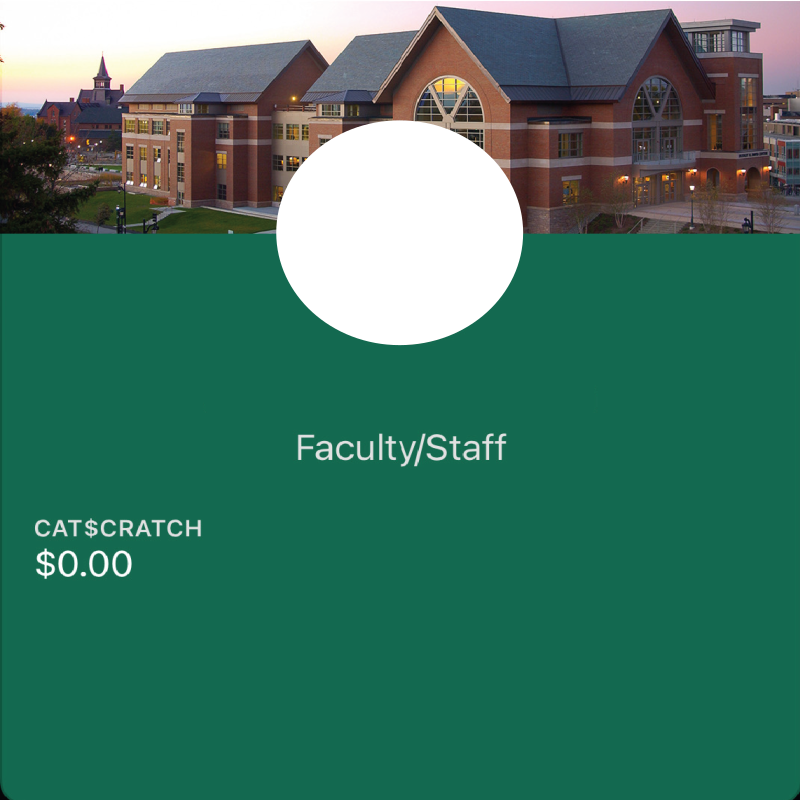
CATScratch balance on the mobile CATcard

See your balance on your card

Your CATcard mobile credential will show you your CATScratch balance.

Mobile Printing:

Body

Print From Any Device

By simply uploading documents to the Pharos Print Center via a web browser or from your smartphone.

  • To begin login to the Pharos Print Center with your UVM NetID and password. 
  • Upload your documents from your browser or smartphone.
  • In the print center, you can see your balance, specify black and white or color printing, page range and the number of copies. 
  • In addition, you can view your printing activity, delete print jobs and see a print preview. 

You can print and pay for your jobs at any one of the print stations in the Howe Library or at the Safety Technology & Training office. Note that unprinted documents are purged after 2 hours.

Questions?

Email: Library.Systems@uvm.edu

The only way to print on our campus is with CATScratch.

If you do not have your UVM CATcard you can purchase a card that is pre-loaded with $1.00.

Please Note: If you purchase a card, you will need to buy the card first with $1.00 (cash purchase only). Then you can place the card back in the Kiosk and add more funds with cash or debit/credit.

Where You Can Use CAT$cratch

Items about: Where You Can Use CAT$cratch