Types of Faculty and Staff
Faculty/Staff
- Faculty and staff may obtain their digital CATcard once they are in the Peoplesoft system.
- Access to your privileges will be activated when your ID is issued.
- To renew a CATcard, email catcard@uvm.edu
- Subject Line: CATcard Renewal
- Include your employee number
- See the About the CATcard page for details on how long CATcards stay active for.
- Faculty and staff spouses and dependents are eligible for a CATcard if the faculty/staff are a benefited employee. There is a $10 charge and provides library privileges for the dependent. At this time, the fitness center is not included.
- CAT$cratch, the prepaid debit account, may be funded at any time and works right off the digital ID for your convenience.
- CAT$cratch deposits can be automatically deducted from your paycheck by setting it up in PeopleSoft self-service.
Temporary Staff
- Temporary Staff must be in the PeopleSoft system and bring with them a signed Temp Staff Form (found on the Forms page) on a letter head from the hiring department.
- Access to your privileges will be activated when your ID is issued.
- CAT$cratch, the prepaid debit account, may be funded at any time and works right off the digital ID for your convenience.
- CAT$cratch deposits can be automatically deducted from your paycheck by setting it up in PeopleSoft self-service.
- Temporary staff cards cost $10.00. Departments may charge their chart string if they include it on the Temp Staff Form.
Sodexo Dinning Staff
- Sodexo staff may obtain a CATcard ID by providing a completed copy of the Dining Staff Form (found on the Forms page), signed by their supervisor. They may also recieve a card if they are already in the Peoplesoft system.
- Access to your privileges will be activated when your ID is issued.
- CAT$cratch, the prepaid debit account, may be opened at any time and works right off the ID for your convenience.
- Sodexo staff are entitled to one CATcard ID at no cost.
All UVM Vendor/Contractors
- All UVM vendors/contractors will need a physical CATcard
- All vendors employed by UVM (contractors, subcontractors, suppliers, engineers and consultants, etc.) who work on UVM's campus or in UVM buildings and facilities are required to display an identification badge in a readily visible place on their person whenever on campus. Upon request vendors shall present and/or submit their ID card to any UVM employee.
- The UVM sponsoring department must print off the Vendor Form (found on the Forms page) on their department letter head.
- IDs are $10.00 each which are paid by the sponsoring departments chart string or by the vendor/contractors themselves. We do need the Vendor Form before you come and get a CATcard.
- Vendor/contractor must show a driver's license or other government issued photo ID when getting their ID card.
- If door access is required, complete an Access Request Form (found on the Forms page).
Setting up your CATcard
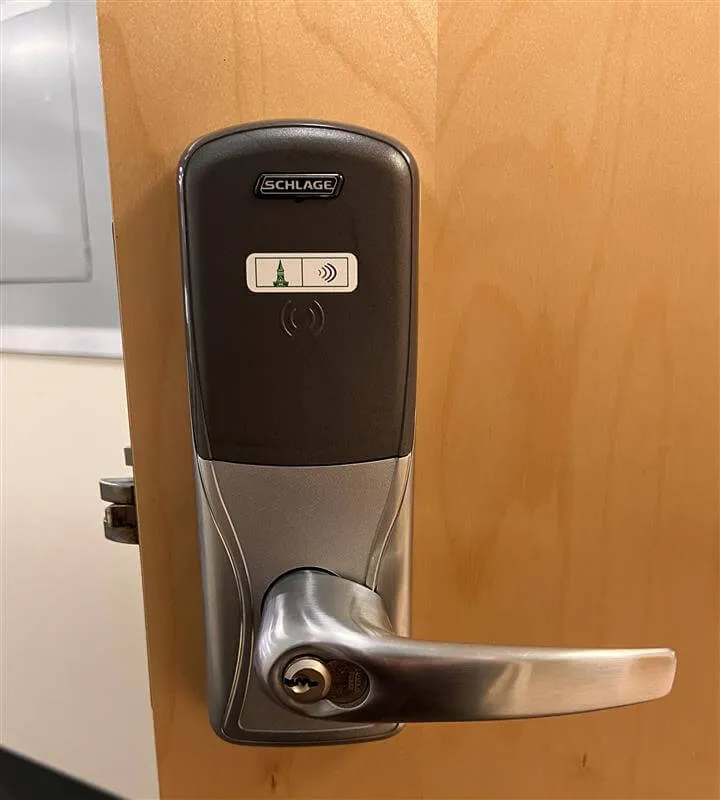
Get Equipment
Want to step up your security? Get a CATcard reader!
Go to the "UVM Facilities Services" section in Planon and click the "Doors & Locks" widget. Your inquiry will be sent to Safety Technology & Training and the Lock Shop, where they will review your request.
Administrative Resources
Revoking Access
To revoke a individual's access we must receive an email from either the chair/dean of the department or whoever is our usual contact for said department. In the email please include the student/employee number.
Door Schedules
Any changes to door schedules must be relayed to CATcard through email 3-5 business days in advance.
Especially around the holidays make sure you give ample notice if you know your department will be closed.
Fill Out Forms
Go to our forms page to find Access Request Forms, Student Request Forms, Vendor Forms, iPad Reader Request, Etc.
Other Cards
Faculty/Staff Spouse
- Spouses may obtain an ID after the employee has completed the spouse application form (available at the Human Resource Office in Waterman).
- Application forms must be signed by the employee as well as the Human Resource Office.
- Access to your privileges will be activated when the card is issued and remain valid for a two year period.
- CAT$cratch, the prepaid debit account, may be opened at any time and works right off the ID for your convenience.
- Cards do need to be renewed every two years, however renewal will not require an application form, just bring in your current Spouse ID.
- Cost is $10.00 each time and the signed application form and identification is needed for the first spouse ID.
Faculty/Staff Dependent
- Dependents may obtain an ID when accompanied by the employee or employee's spouse (spouse must have a current UVM Spouse ID).
- Dependents must be listed on the certification of dependent form with human resources.
- Dependents qualify for an ID up until eighteen years of age, and 18 to 24 years of age if considered a full time student.
- Access to your privileges will be activated when the card is issued and remain valid for a one year period.
- Cards do need to be renewed every year and parent (valid UVM ID required) must be present with the dependent.
- Cost is $10.00 and parent, (valid UVM ID required) must be present with the dependent.
Retired Faculty/Staff
- Retired staff may obtain their card after their status has been changed in PeopleSoft to retired.
- Access to your privileges will be activated at the time your new card is issued.
- Your spouse and dependents are eligible for a courtesy ID card.
- CAT$cratch, the prepaid debit account, may be opened at any time and works right off the ID for your convenience.
- The first retired ID card is at no cost.
Faculty Emeritus
- Faculty Emeritus may obtain their card after their status has been changed in PeopleSoft to retired.
- Faculty Emeritus must bring in the letter from the Provost granting their Emeritus privilege or be in the UVM Directory as Emeritus.
- Access to your privileges will be activated at the time your new card is issued.
- Your spouse and dependents are eligible for a courtesy ID card.
- CAT$cratch, the prepaid debit account, may be opened at any time and works right off the ID for your convenience.
- The first Emeritus ID card is at no cost.
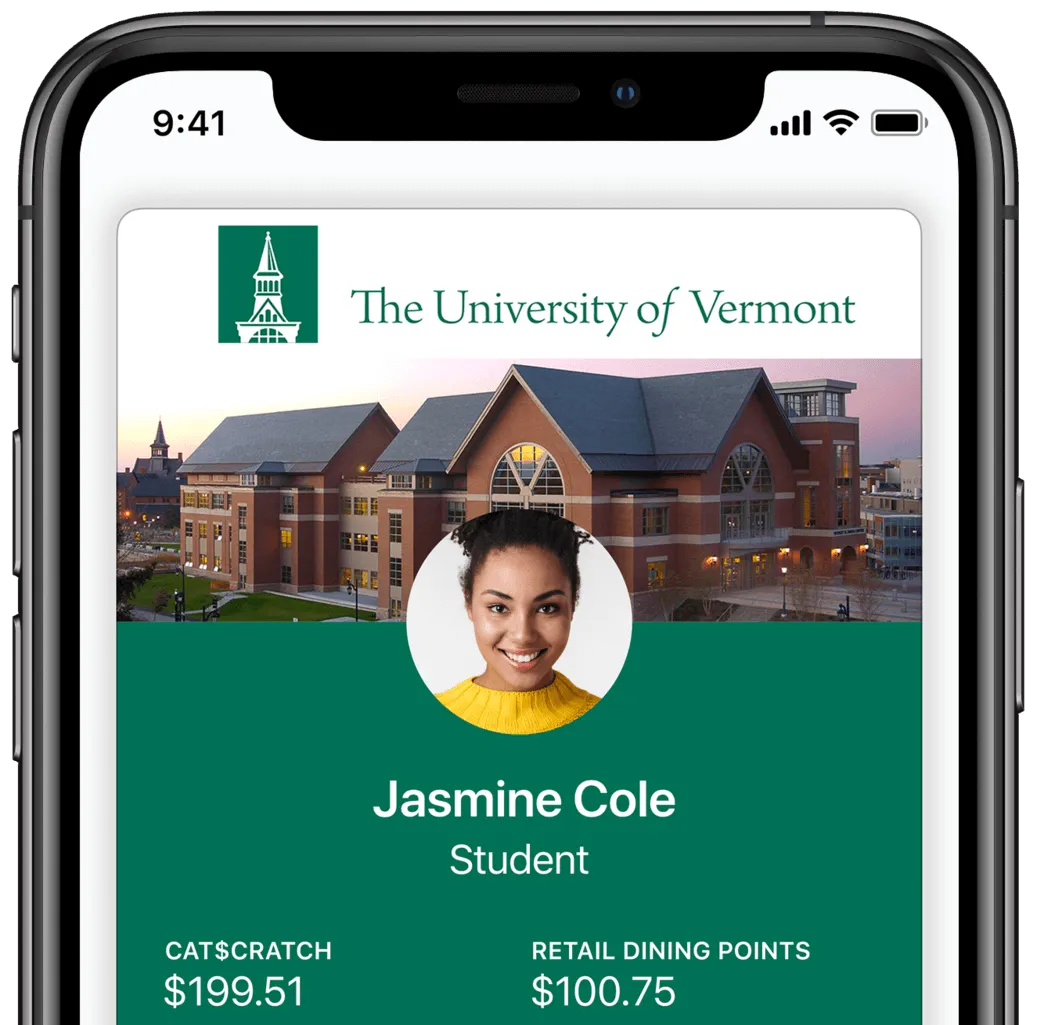
More CATcard Information
Looking for more information about your CATcard?
The CATcard Webpage CAT$ratch