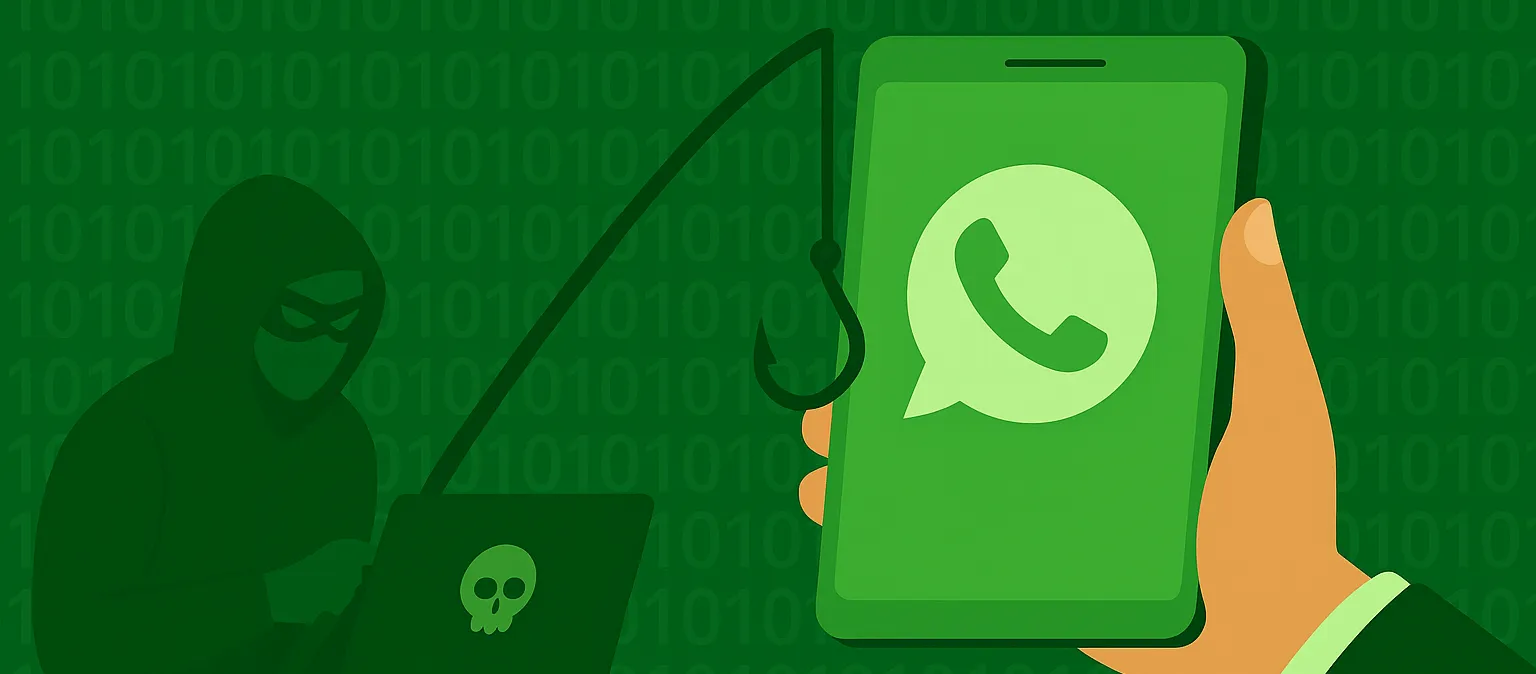
Enterprise Technology Services (ETS) has recently received reports of vishing on campus - external people reaching out to our community members via MS Teams calls and identifying themselves as employees of the University when they are not. They may target those in leadership positions but anyone in our community is at risk.
How can you protect yourself from these and other scams? Always be wary of unexpected communication that encourages you to reveal personal information, install software or creates a sense of urgency around a task that you were unaware of. (“Your account is expiring – you need to verify your username and password NOW before it’s too late!” See our Cyber Savvy tip on phishing scams at Information Security Office Cyber Savvy | Enterprise Technology Services | The University of Vermont)
Remember these tips when it comes to Vishing:
- MS Teams calls are tagged as coming from an "external" person if they aren't in the same Microsoft tenant as you.
- Larner College of Medicine (LCOM) and UVM have different tenants so calls that cross those borders are also tagged as "external". Be vigilant.
- Be aware and careful of any "external" calls.
- Never follow the directions of a person in any call or communication if you:
- don't know who they are
- never reported a problem that required a call back
- are asked to do a remote connection to update software, asked to follow a link, or asked to install software
- IT staff and others can be impersonated in this way so make sure you approach any cold call with suspicion. You can always contact your trusted technology support staff to verify any call purported to be from an IT person. A real IT staff member will be fine with you verifying their identity before you allow any work to be done on your computer.
- ETS tech team can be reached at techteam@uvm.edu or by calling 802-656-2604.
- LCOM tech team can be reached at 802-488-5553.
If you believe you were contacted by someone in this manner who identified themselves as being an IT person or similar, but you are now unsure, reach out to iso@uvm.edu to explain what happened and ask about next steps