
Microsoft Forms integrates with PowerPoint, enabling you to embed interactive forms and quizzes directly into your slides, allowing for deeper engagement with your audience and real-time feedback collection without leaving PowerPoint. For those who have used Mentimeter, Kahoot, or Slido, this functionality may be familiar.
You can insert forms or quizzes by adding a new form or by selecting from your existing forms. Participants can respond by following a link or scanning the QR code displayed on the slide, and responses can be shown live during the presentation.
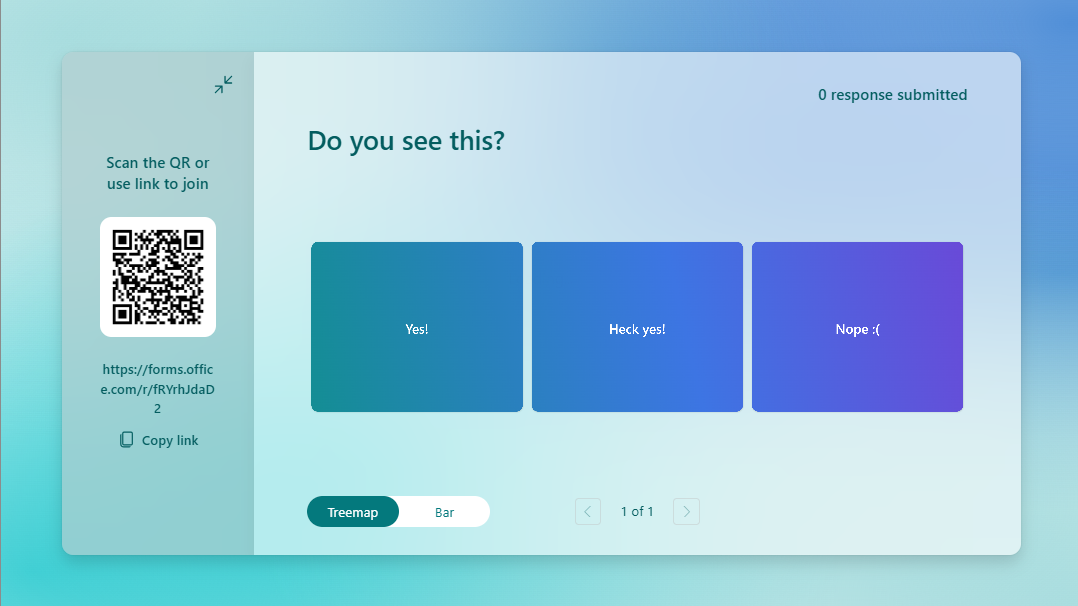
Embed an MS Form into PowerPoint
- On a blank slide in PowerPoint, click the Insert tab then select Forms

- Choose New Form, New Quiz, or select an existing form
- Poll your audience with the QR code during the presentation
While embedding a form in your PowerPoint slides is always an option, you can also use live polling directly within Teams using the Polls app. See our documentation here for interactive meeting features in Teams, and our documentation here for the Polls feature in Teams.