
UVM’s Exchange email system allows you to select a Default email address. Your selected email address will appear on all emails that you send through Exchange.
By default, your email address is set to firstname.lastname@uvm.edu. You can change this to be netid@uvm.edu using the process described below, if preferred. You can also create a new email address using the Update My Directory Information form. Someone might choose to swap their default email address for privacy reasons, for usage with UVM LISTSERV, or for some other reason.
Changing your Default Email Address
- Visit the UVM Directory and click Update My Directory Information on the left side of the screen, or go directly to https://account.uvm.edu/directory.
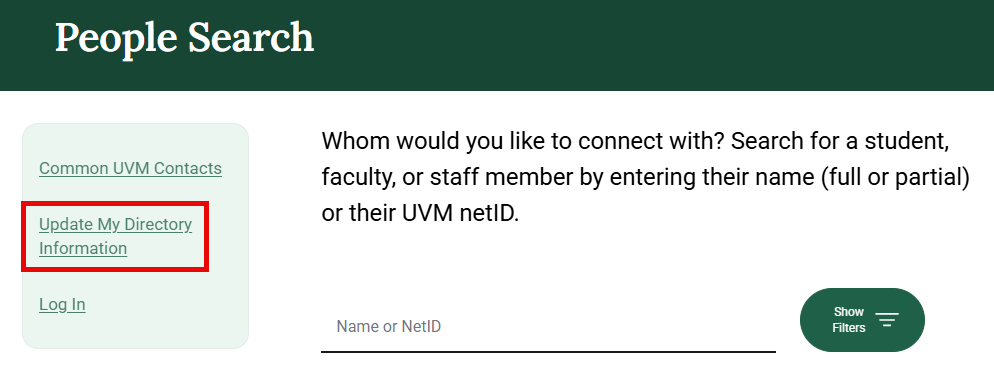
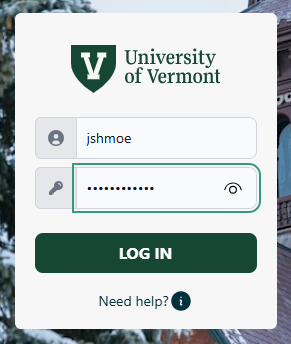
- Sign in with your NetID if prompted.
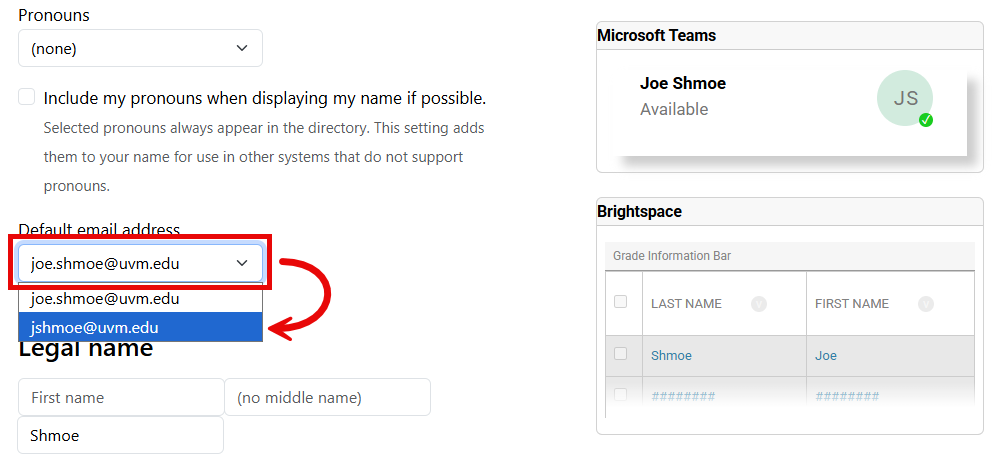
- Scroll down to find drop-down menu under Default email address to select your desired email address.
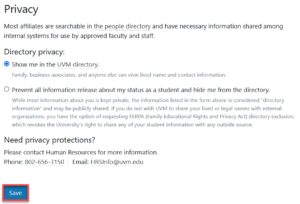
- Scroll down to the bottom of the page and click Save.
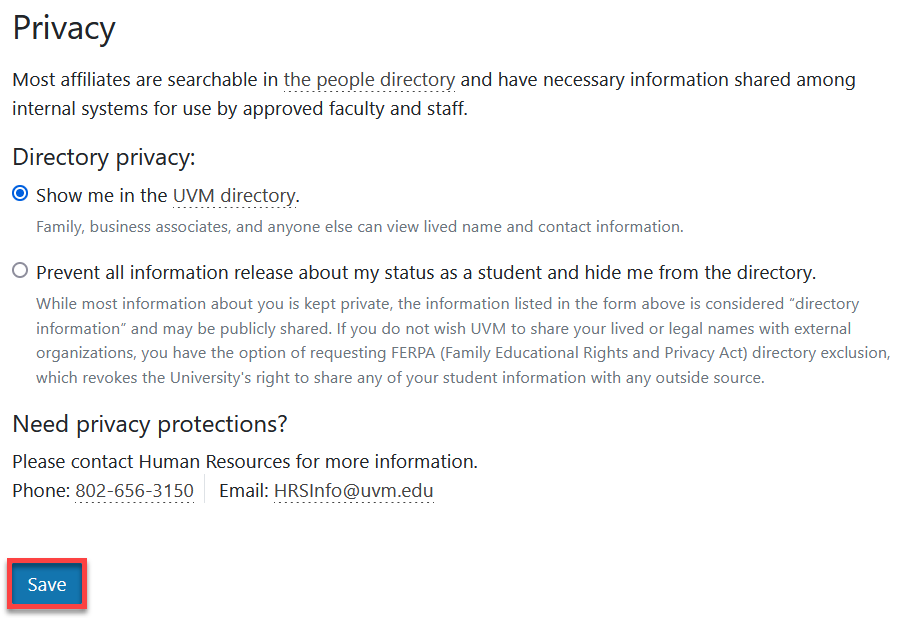
Changes should take effect within 24 hours. People who have an address book entry for your account may still see your first and last name when receiving mail from you, irrespective of your default email address.
Creating a New Email Address
- Visit the UVM Directory and click Update My Directory Information on the left side of the screen, or go directly to https://account.uvm.edu/directory.
- Sign in with your NetID when prompted.
- Under Lived name, enter the name you would like your new address to be based on, and check the box next to Create a new email address based off of this name and make it my default email address.
- Scroll down to the bottom of the page and click Save.
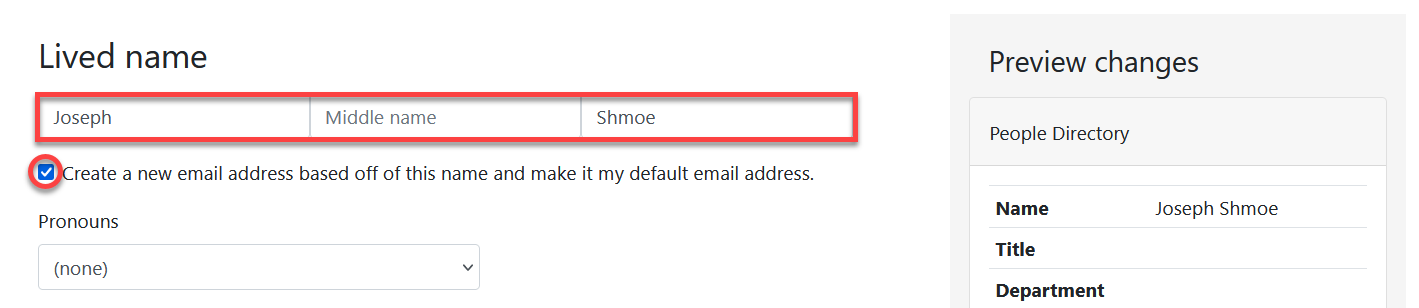
This will generate a new email address based on the name you entered, and then set that address as your default email address. Changes should take effect within 24 hours.