The Non-Credit Student Portal is UVMs registration and management system for Non-Credit courses. You can use this portal to register for non-credit courses, view your enrollment history, access certificates, and access Brightspace UVM’s LMS (Learning Management System) for course materials.
Signing in with your NetID
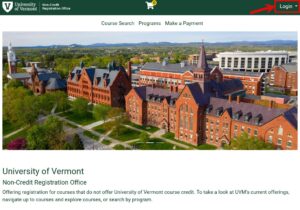
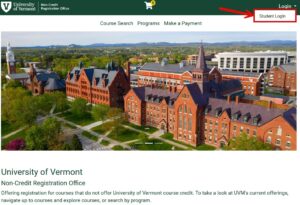
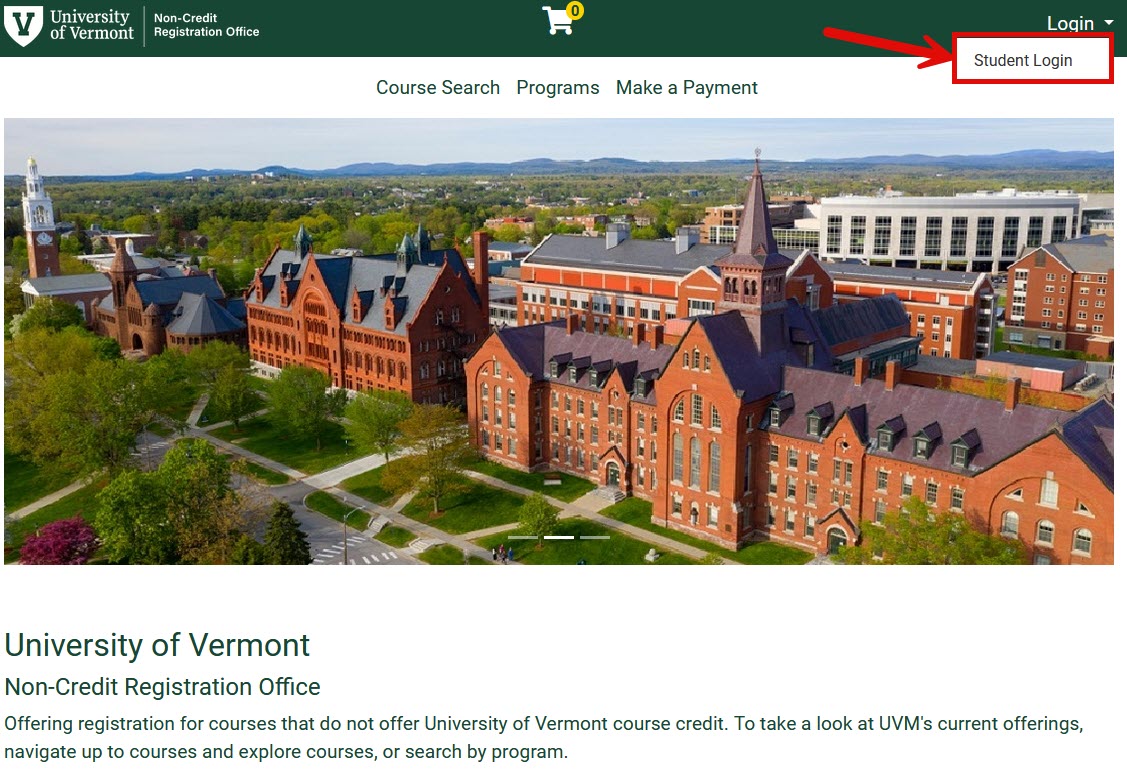
- Click Login in the top right corner of the Non-Credit Student Portal homepage.
- Click Student Login.
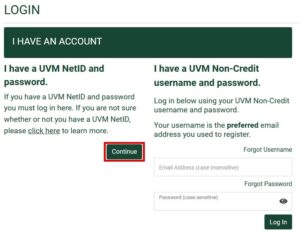
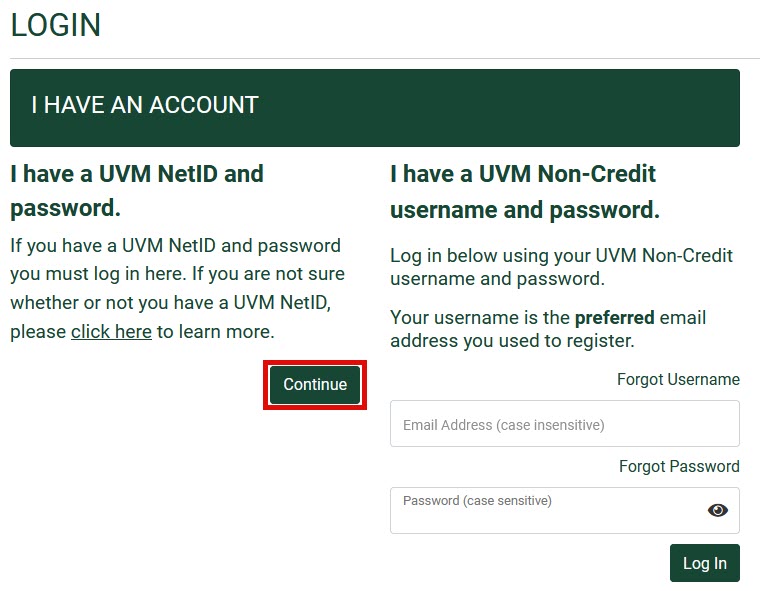
- Click Continue under “I have a UVM NetID and password.”
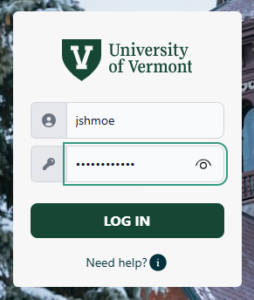
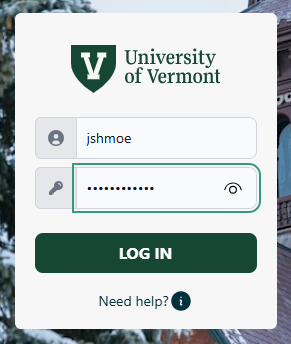
- Enter your NetID and NetID Password and click LOG IN.
Signing in with your Non-Credit Account
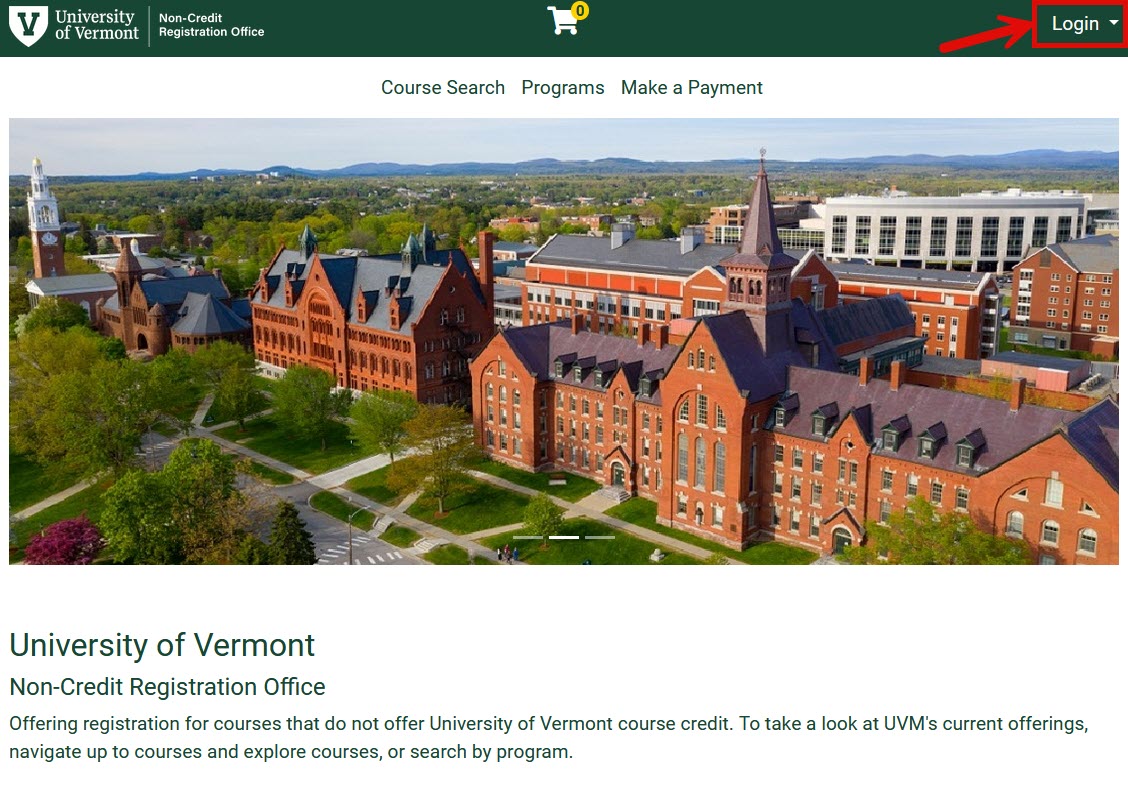
- Click Login in the top right corner of the Non-Credit Student Portal homepage.
- Click Student Login.
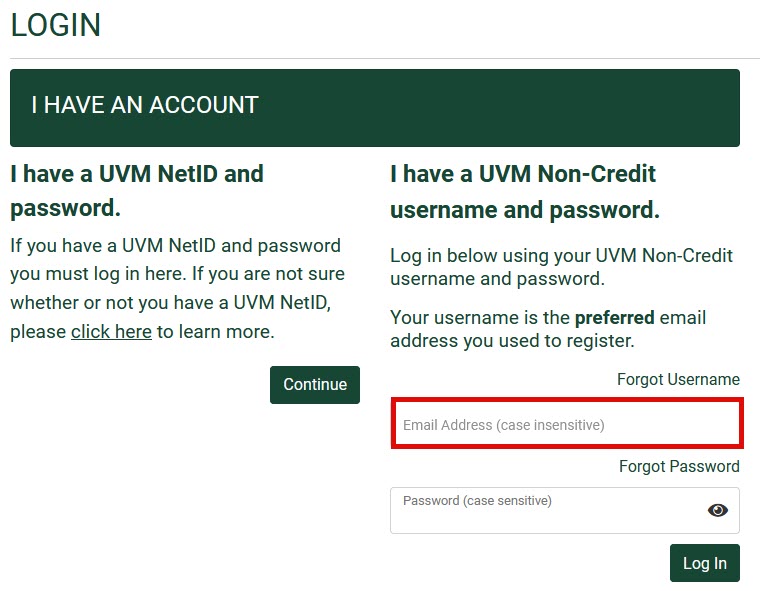
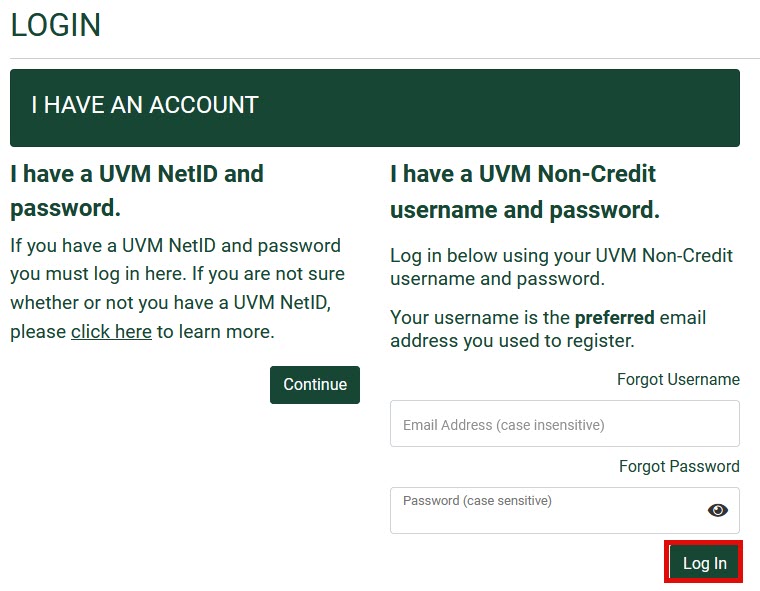
- Enter the preferred email address you used to register.
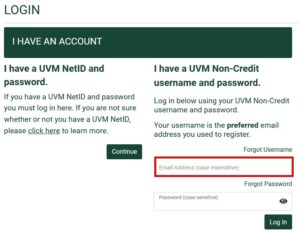
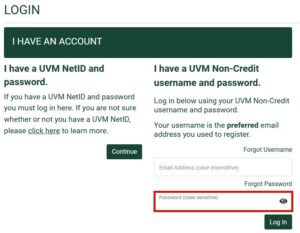
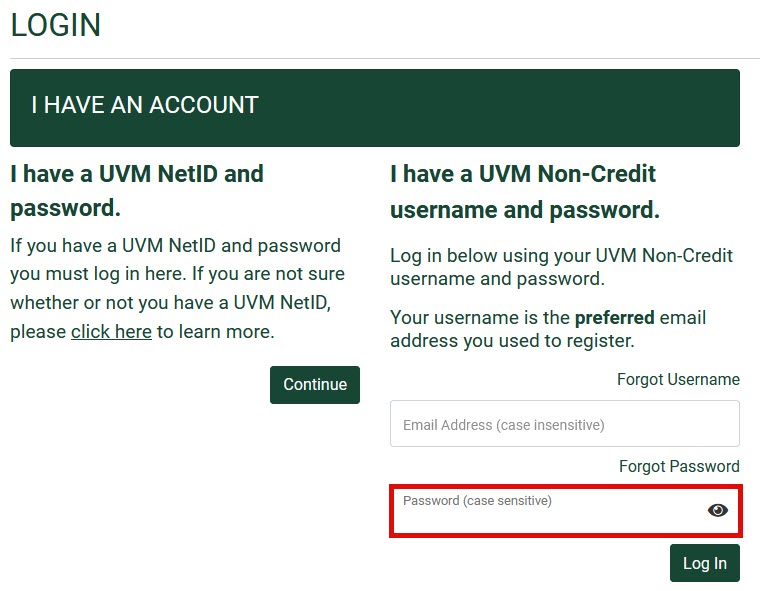
- Enter your password.
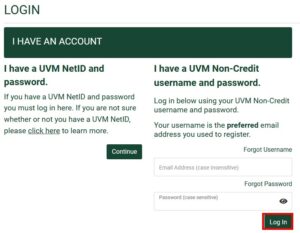
- Click Log In.
Resetting the Password for a Non-Credit Account
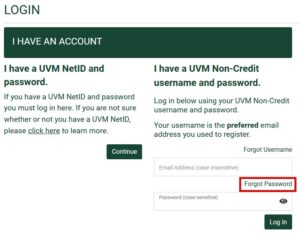
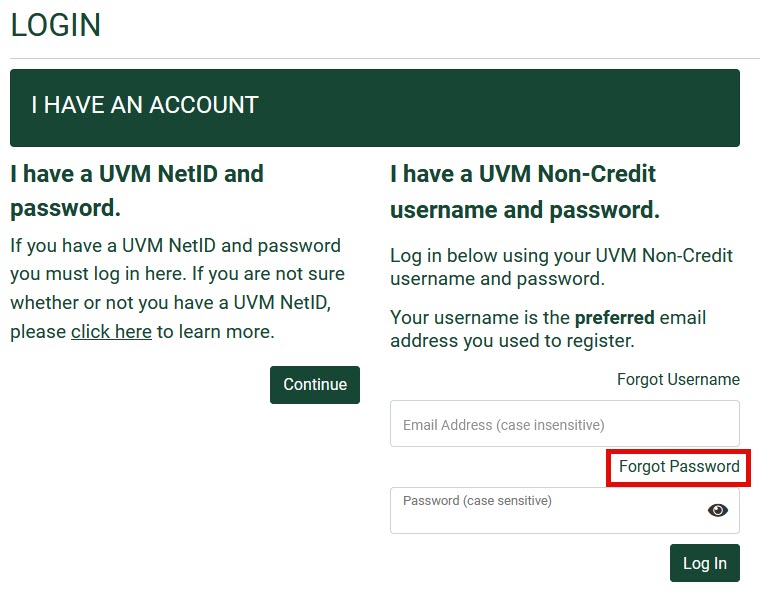
- Click Forgot Password under “I have a UVM Non-Credit username and password.”
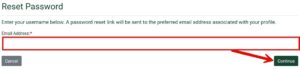
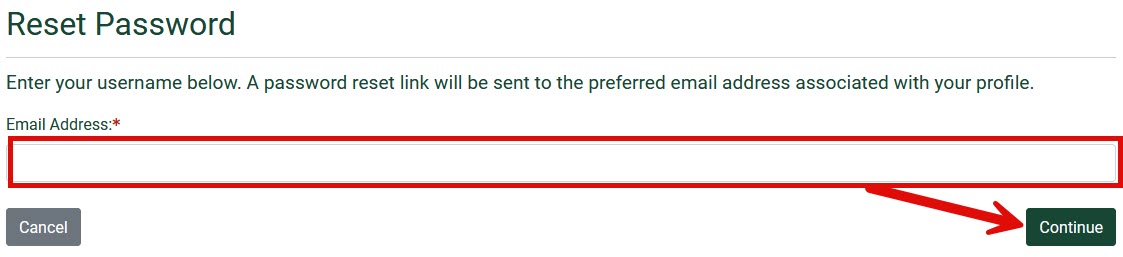
- Enter the preferred email address you used to register and then click Continue.
- Check the preferred email address associated with your account for further reset instructions.
Accessing Brightspace
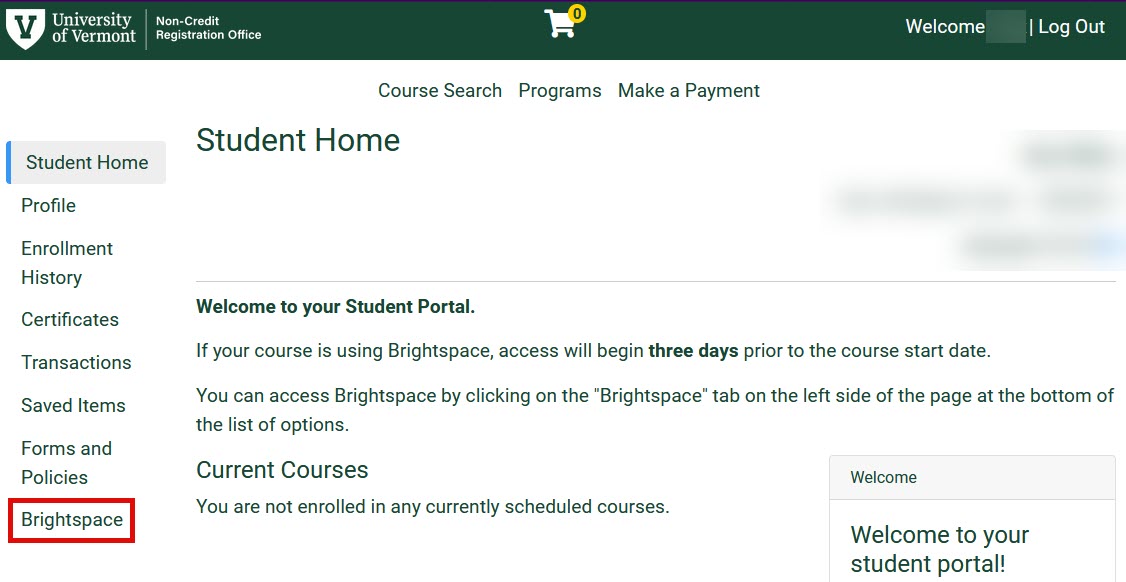
- From your Student Home page click Brightspace from the list of options on the left hand side. You will then be automatically redirected to the Brightspace homepage.
Downloading a Certificate of Completion
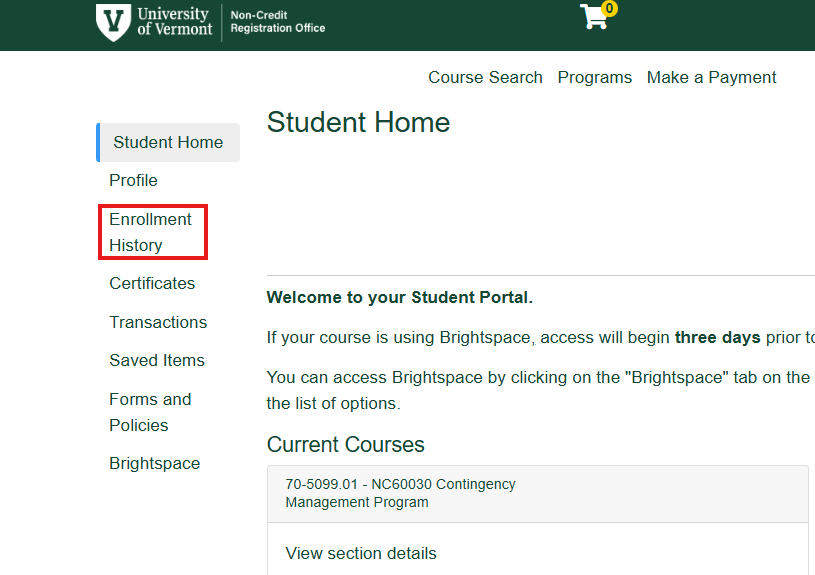
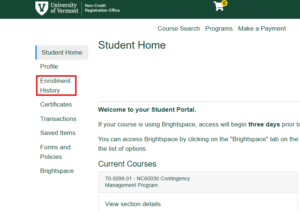
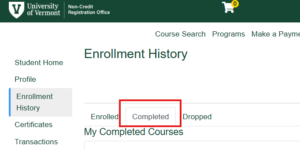
- From your Student Home page click the Enrollment History tab.
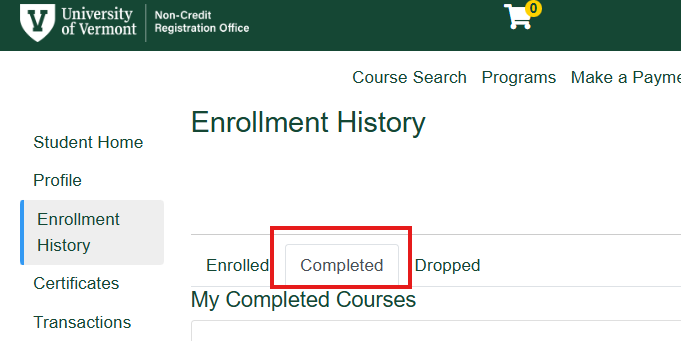
- Click the Completed tab to view your completed courses.
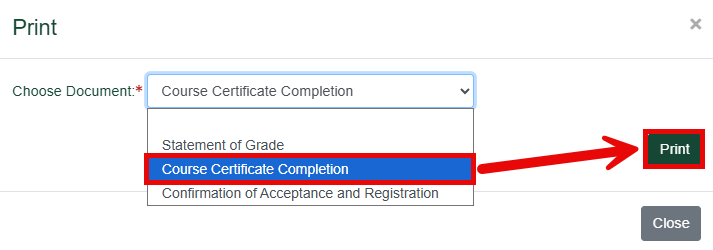
- Navigate to the desired completed course and click the Print button on the right side of the page under Action and Status.

- From the drop down select Course Certification Completion and then click Print.