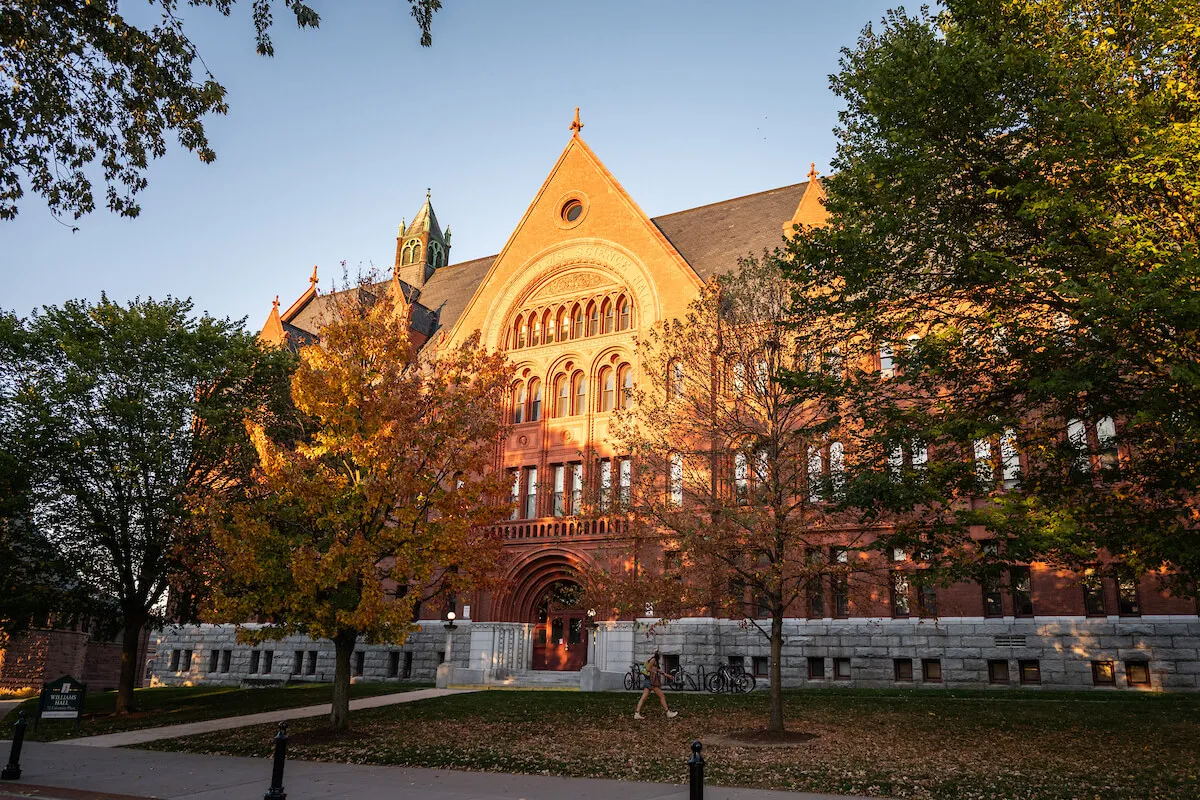
Comprised of five departments, ETS strengthens the mission of the university through key IT systems and support groups. We maintain our network and telecommunications systems, classroom technology, research computing, and data centers. We provide desktop and portable computer support, enterprise applications such as Banner, Brightspace, and PeopleSoft, and campus-wide information security.

A Fall 2026 Letter from the CIO
One ETS
One ETS seeks to unify the department of Enterprise Technology Services into a community of technologists with a shared purpose, mutual accountability, and inclusive collaboration. This unification seeks to align people, processes, and technology to deliver meaningful and impactful solutions that serve the academic instruction, research, social, and environmental missions of UVM.
The culture of One ETS is one where teams are unified, priorities are shared, and all lived experiences contribute to mutual success. One ETS does not seek to homogenize the work within the division but rather celebrate the varied approaches to a common mission and vision to foster increased empathy, transparency, and innovation. A renewed focus on the people who use technology will cultivate an enhanced sense of belonging for the ETS community and to the entire UVM community.