Our students don’t just study health—they live it, through a collaborative, compassionate, and hands-on education grounded in equity, science, and care.
CNHS offers a dynamic academic experience that blends deep expertise with broad, interdisciplinary exposure. You’ll learn from top faculty and engage in real-world, community based or clinical settings—including our on-campus teaching hospital and University of Vermont Health sites—and build lifelong connections through a strong culture of mentorship.
Our programs emphasize justice, resilience, and respect for all people. From your first class to your final capstone, you’ll be supported by advisors, peers, and faculty who are invested in your success. And when you graduate, you’ll be ready—not just for a job, but for a meaningful career that makes a difference.
Explore Our Programs
CNHS offers undergraduate, graduate, and certificate programs in:
- Biomedical and Clinical Sciences
- Communication Sciences and Disorders
- Exercise Science
- Integrative Health
- Medical Radiation Sciences
- Nursing
- Occupational Therapy
- Physical Therapy
- Public Health Sciences
- Speech-Language Pathology
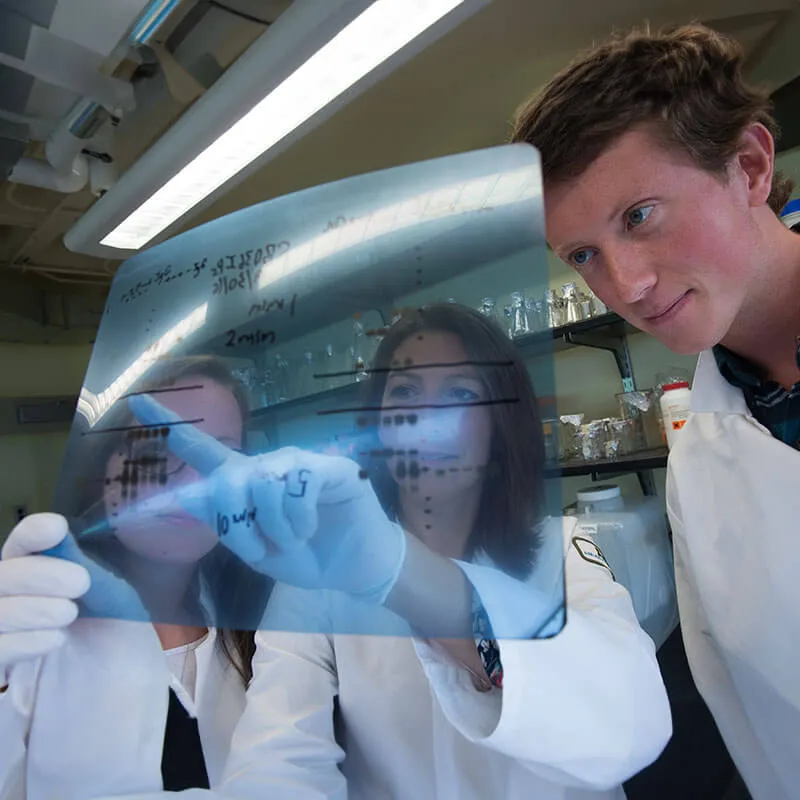
Discover. Teach. Heal.
At UVM’s College of Nursing and Health Sciences, you’ll gain hands-on experience and collaborative training to become a compassionate, culturally responsive health leader—ready to make a real impact.
In and beyond the classroom Academics

Classroom Learning
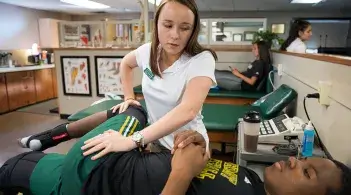
Professional Practice

Research Opportunities

Future-Focused Faculty
Our faculty are advancing knowledge and shaping the future of health. With active funding from agencies like the NIH, Department of Defense, and HRSA, they bring cutting-edge insights into the classroom and mentor students in meaningful, real-world projects.
Research at CNHSFuture-Focused Faculty
Our faculty are advancing knowledge and shaping the future of health. With active funding from agencies like the NIH, Department of Defense, and HRSA, they bring cutting-edge insights into the classroom and mentor students in meaningful, real-world projects.
Research at CNHSBy the numbers
- 1,108 Undergraduates
- 9 Graduate Degree Programs
- Top 10% of Nursing Programs (U.S. News 2024 Rankings)
- 94 Graduate Students
- 4 Academic Departments