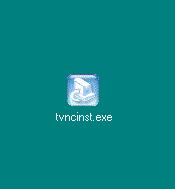
The beginning of the InstallShield Wizard:
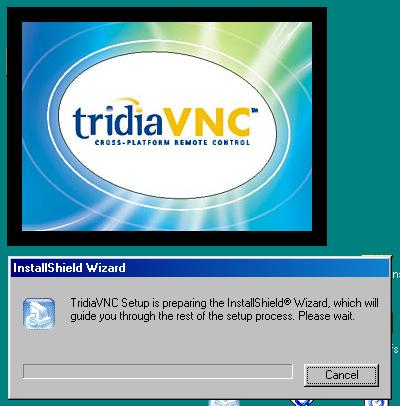
Click Next in the Welcome dialog:
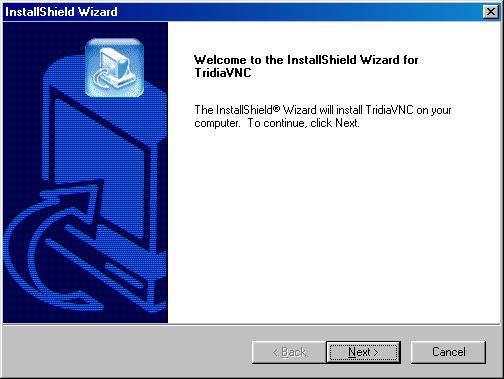
Click Yes to accept the license agreement:
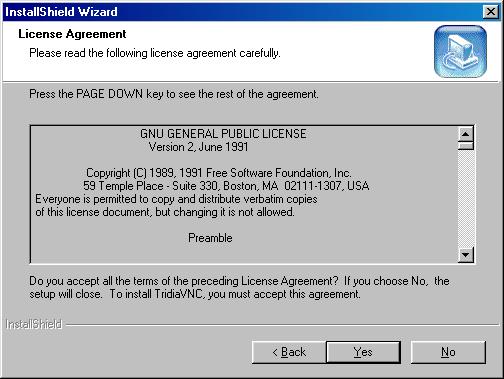
Do not change the default Destination Folder, Click Next:
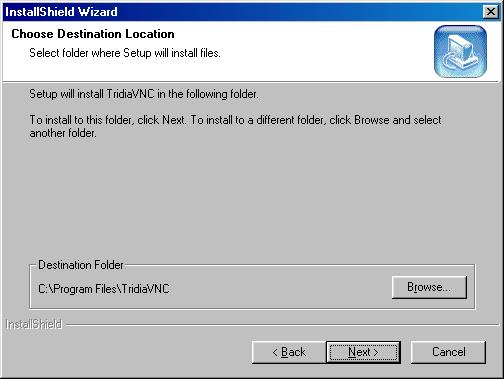
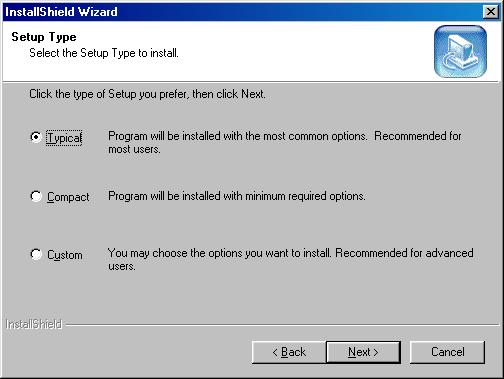
The default Setup Type is Typical, Click Next:
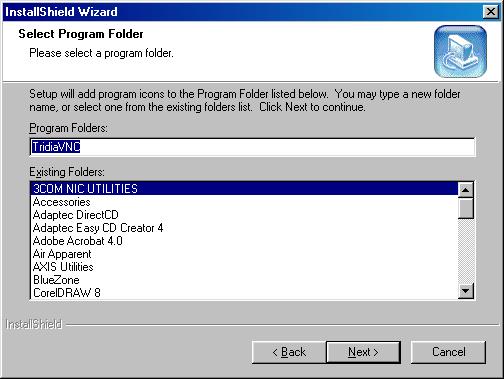
Do not change the default Program Folder, Click Next:
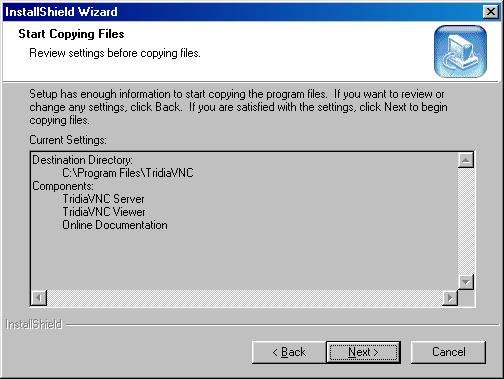
Setup is ready to copy files, Click Next:
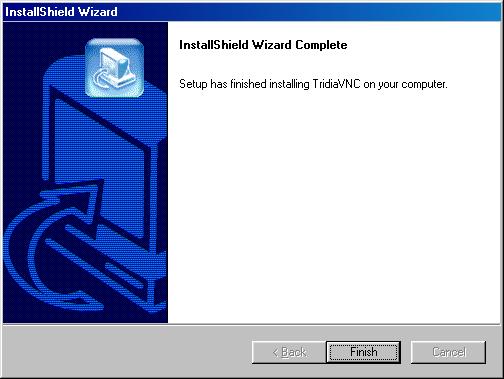
Setup completed successfully:
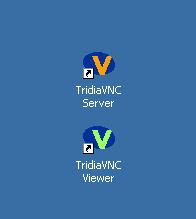
New Desktop shortcuts:
You can now begin using the software