 How
To Track Your Requisition/Purchase Order
How
To Track Your Requisition/Purchase OrderScreen 256
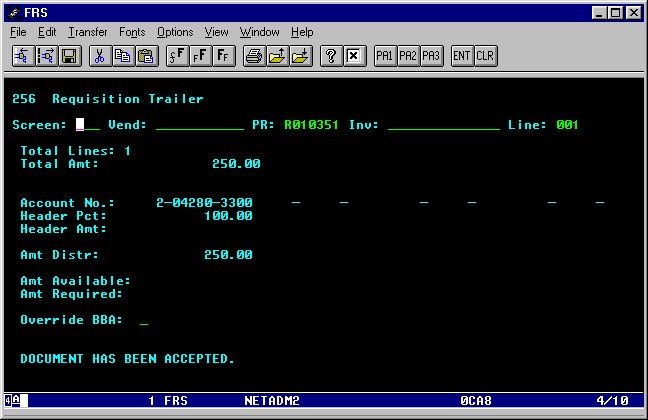
Requisition Trailer
When you have entered all the line items, the order must be approved.
Approval will either be done by the person entering the order, or someone
authorized to sign on the budget being charged. To approve an order, type
256 in the screen field and press enter. You should see a message "Document
has been accepted".
How
To Track Your Requisition/Purchase Order