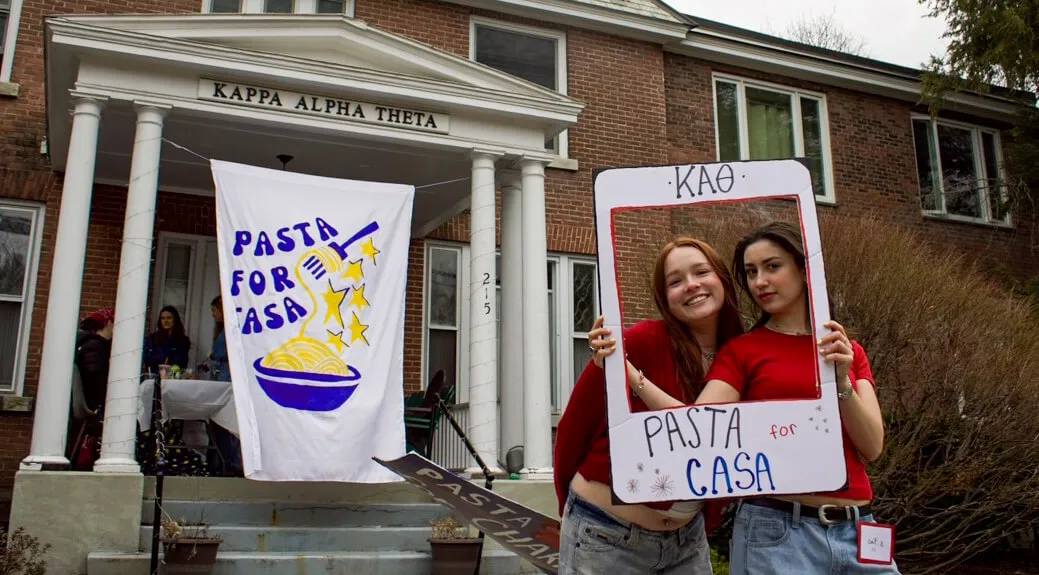
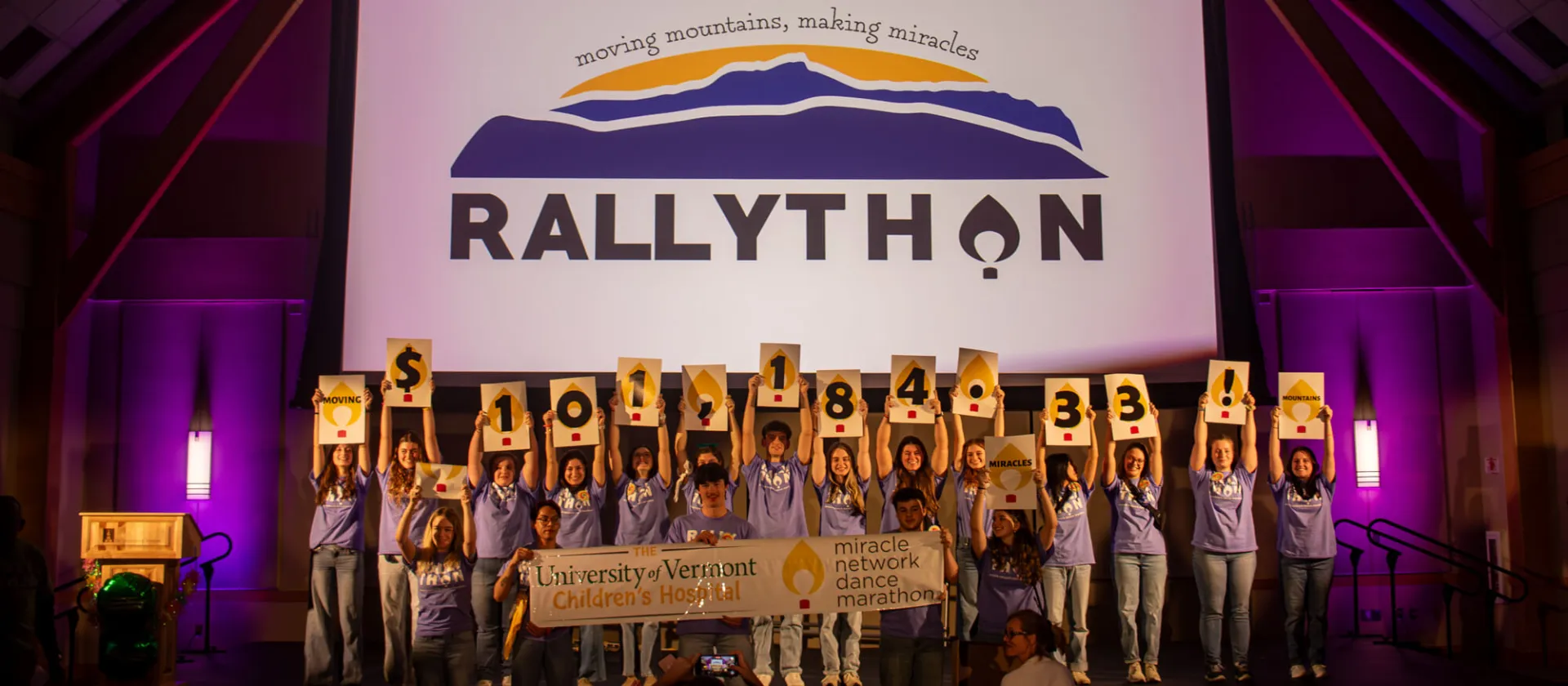
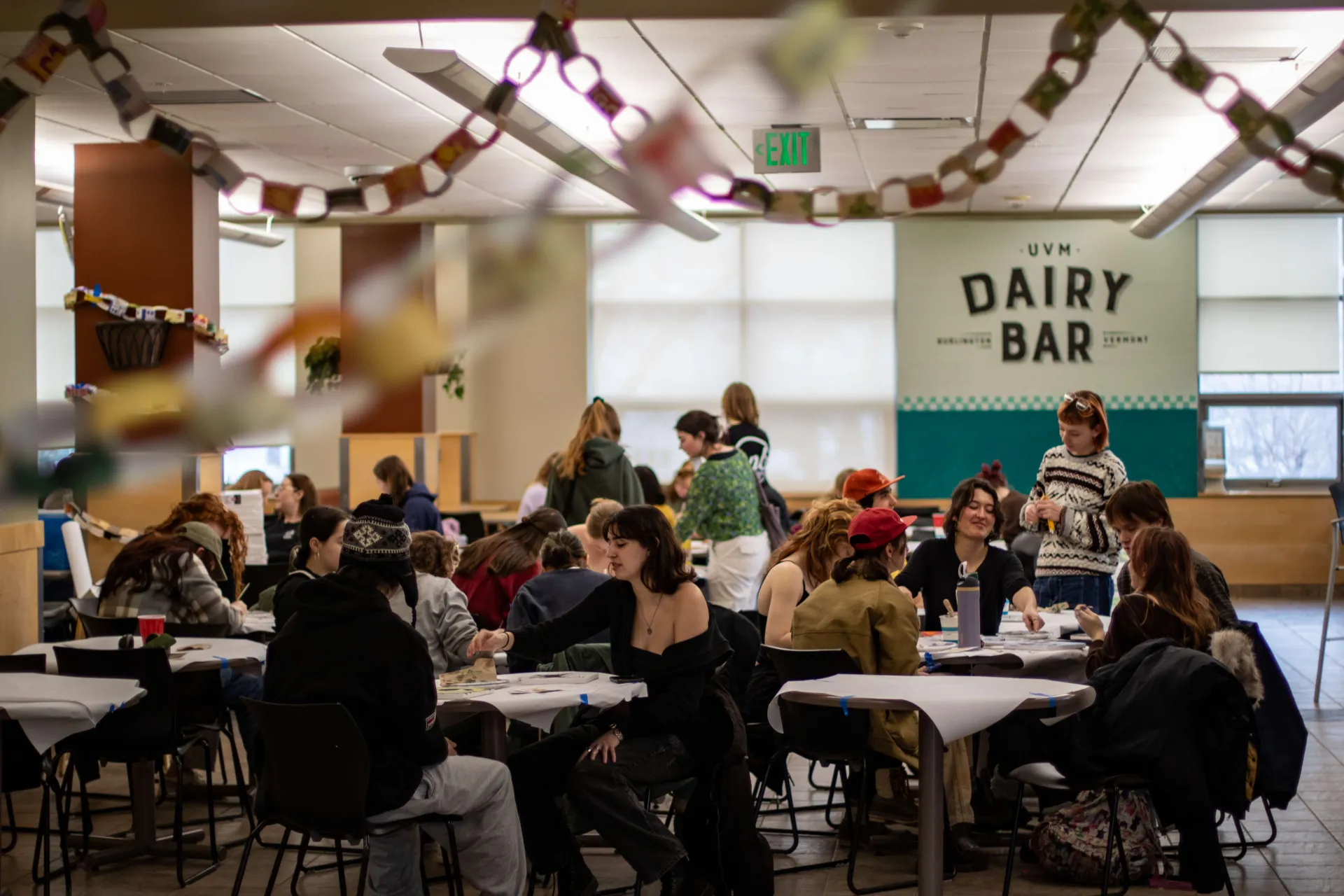
Find friends, build community, make a difference, and have fun doing it. Whether it's developing amazing leaders, creating campus programing opportunities, or helping our students build a lasting network with their peers - we want you to get involved, connected, and to make the most out of your UVM experience.


Ready to get involved?
83% of First Year students are involved in at least one of UVM's 200+ clubs and organizations - and with a mix of remote and in-person club experiences the opportunites to meet your peers and explore your interests are greater than ever before!
Explore UVM ClubsReady to get involved?
83% of First Year students are involved in at least one of UVM's 200+ clubs and organizations - and with a mix of remote and in-person club experiences the opportunites to meet your peers and explore your interests are greater than ever before!
Explore UVM Clubs


The Living Room of Campus
Come visit us! We're on the third floor of the Davis Center, your Student Center on campus.
More about the DCThe Living Room of Campus
Come visit us! We're on the third floor of the Davis Center, your Student Center on campus.
More about the DCUpcoming Events