The Graduate College empowers our students’ success with resources to support their research, professional and career development, and wellness. Through their scholarship and professional and civic engagement, our students prepare to lead change for a healthier, more just, and regenerative world.

Explore our graduate programs
Whether you're drawn to the humanities, social sciences, mathematical, physical, or life sciences—or pursuing a professional degree—the University of Vermont offers a wide range of graduate programs designed to support your goals and help you thrive. There's a place for you here.
View Graduate Programs Accelerated Master's Pathways Graduate Certificate Programs
Welcome from Dean Holger Hoock
Dean Hoock’s vision for the Graduate College reflects UVM’s values and graduate education that is student-centric, data-informed, outcome-focused, and career diverse.
Graduate College Welcome Video
Graduate College profiles
Spotlight on Students, Postdoctoral Scholars, and Faculty
-
Theresa Montgomery: Decoding the Microbiome’s Role in Multiple Sclerosis

-
Pablo Bose: Sizable Challenges for Refugee Camps

-
Piper Welch: Reimagines evolution– with robots and bold ideas

-
Jessica Balerna: Advancing Nature-Based Flood Strategies

-
Tobias Timofeyev: His models show how math can change the world

-
Yangguang Ou: Exploring Brain Chemistry’s Effect on Memories of Trauma


Professional development and career planning
At UVM, career development is central to the graduate experience. We provide guidance, resources, and connections to help you thrive in your studies and advance, pivot, or expand your professional path.
Find out how we support your successProfessional development and career planning
At UVM, career development is central to the graduate experience. We provide guidance, resources, and connections to help you thrive in your studies and advance, pivot, or expand your professional path.
Find out how we support your successBy the numbers
- 120+ graduate degrees and certificates
- 98% of employed graduates reported their position is related to their career goals (class of 2022)
- 1,713 students enrolled in graduate programs (Fall 2024)

Student life
Graduate student life at UVM offers rich opportunities to get involved – from the Graduate Student Senate and student associations to wellness programs, community engagement, and service.
Explore Student LifeIn the News
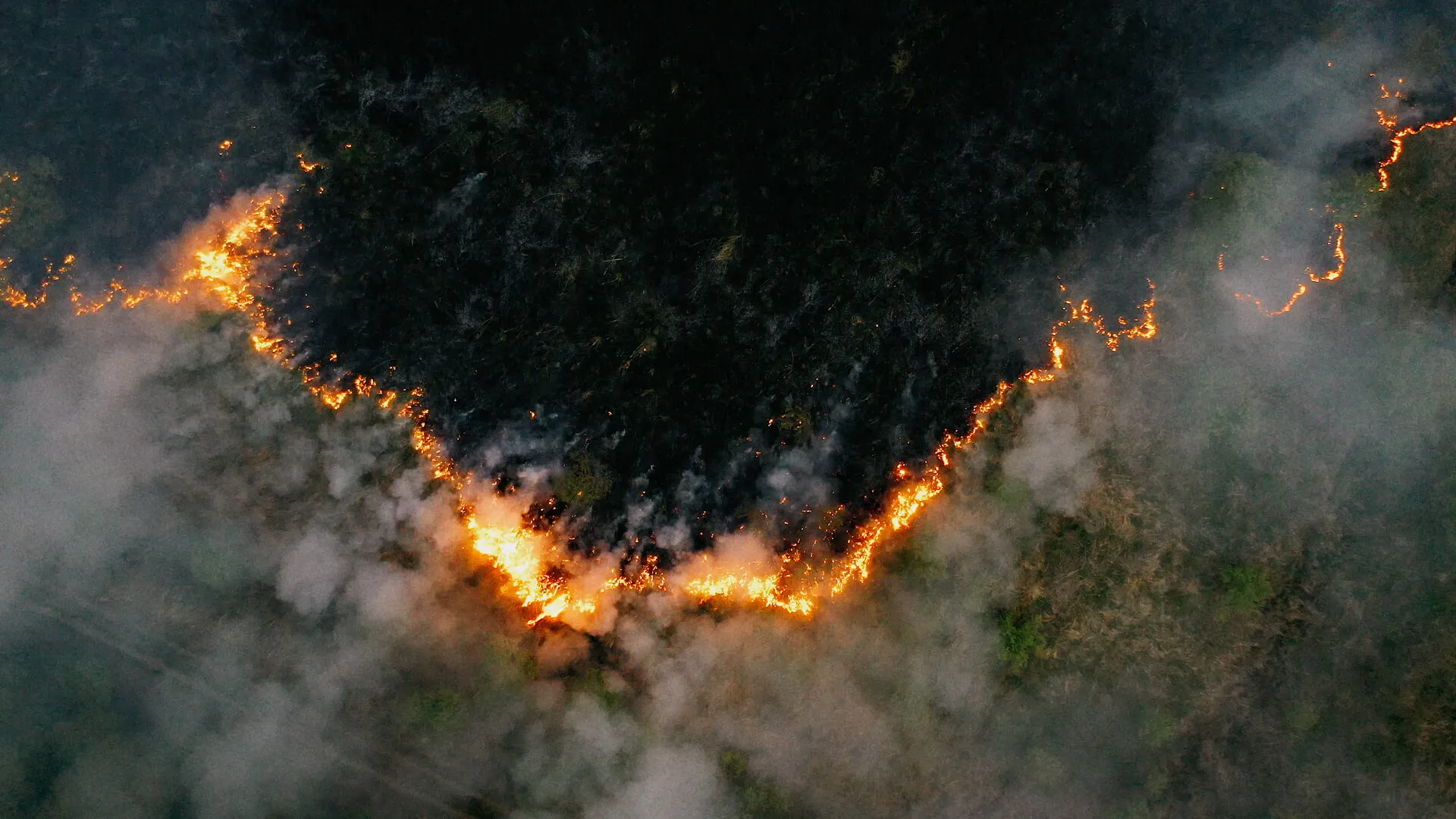
Research Feature: Anna Maassel and Wildfire Smoke's Effects on Childhood Asthma
Christopher Berger appointed Dean of the Graduate College and Postdoctoral Studies
UVM launches new graduate programs in competitive fields
Faculty‑Led Research Connects Global Myrrh Supply Chains to SI‑MBA Learning
Recipes for Community
UVM Grad Students Persist With Mental Health Work in Rural Schools Despite Funding Cuts
Graduate College Annual Events

Three Minute Thesis (3MT) Competition

University Scholars Lecture Series
