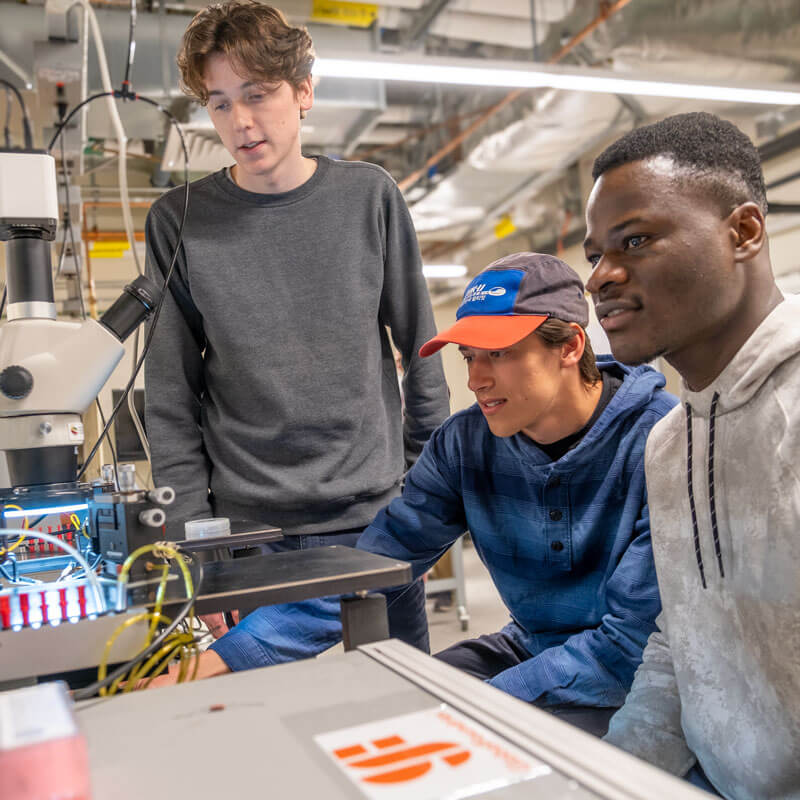
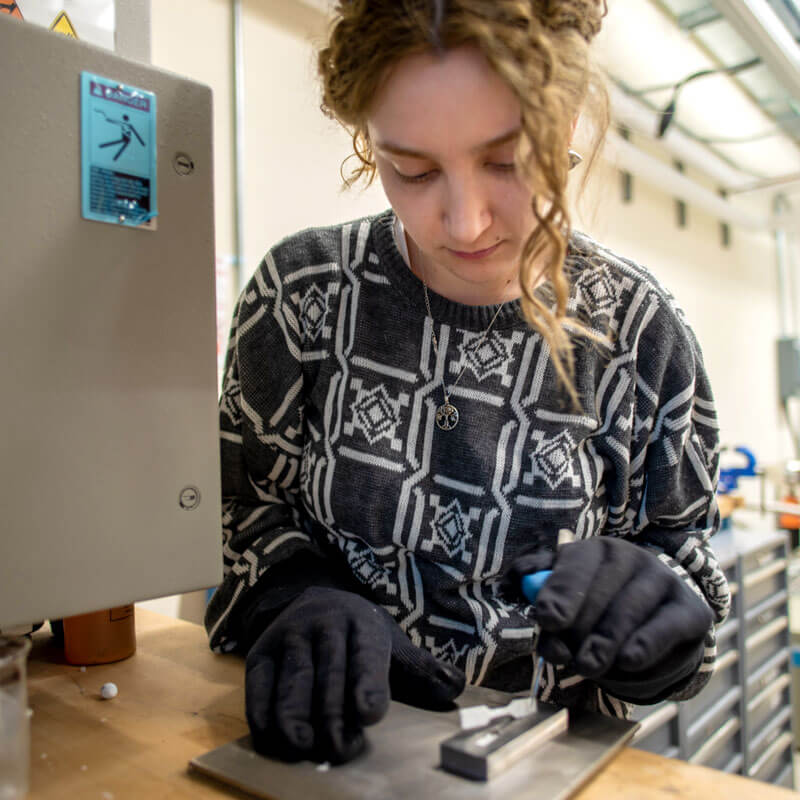
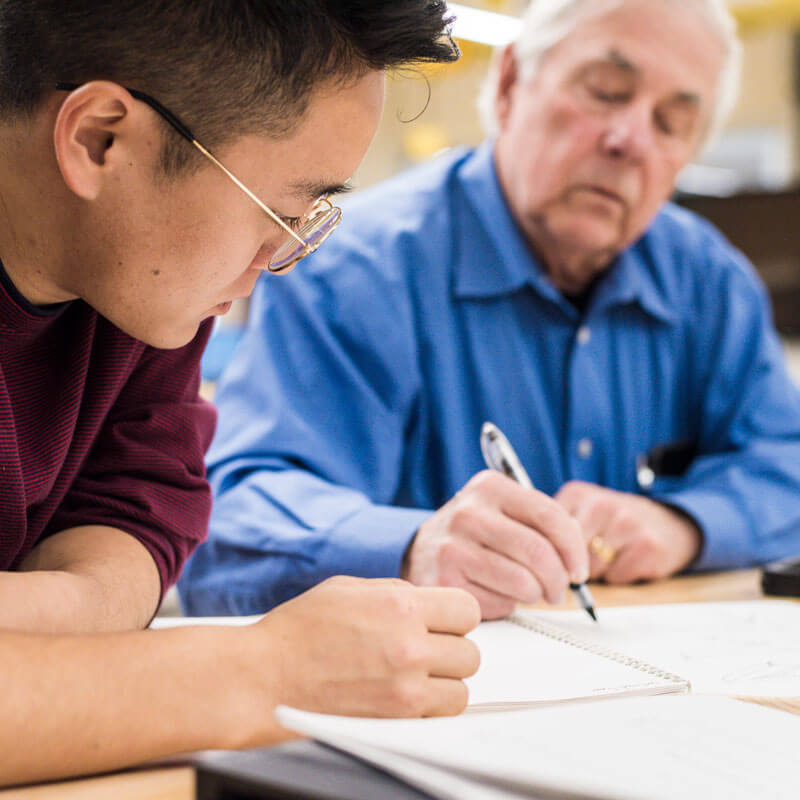
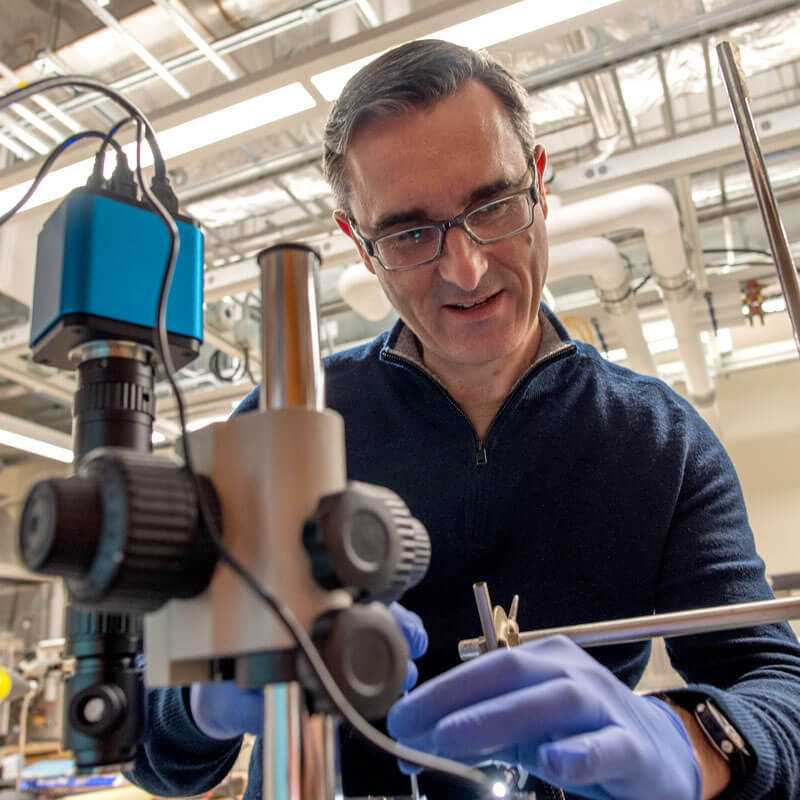
Our approach is personal, fostering a culture of collaboration that’s as driven by student-to-student connections as by our world-class faculty and advanced research opportunities. You may enter UVM a little unsure, eager, and excited for the next chapter. By the time you’re ready to leave, you’ll be poised to change the world.
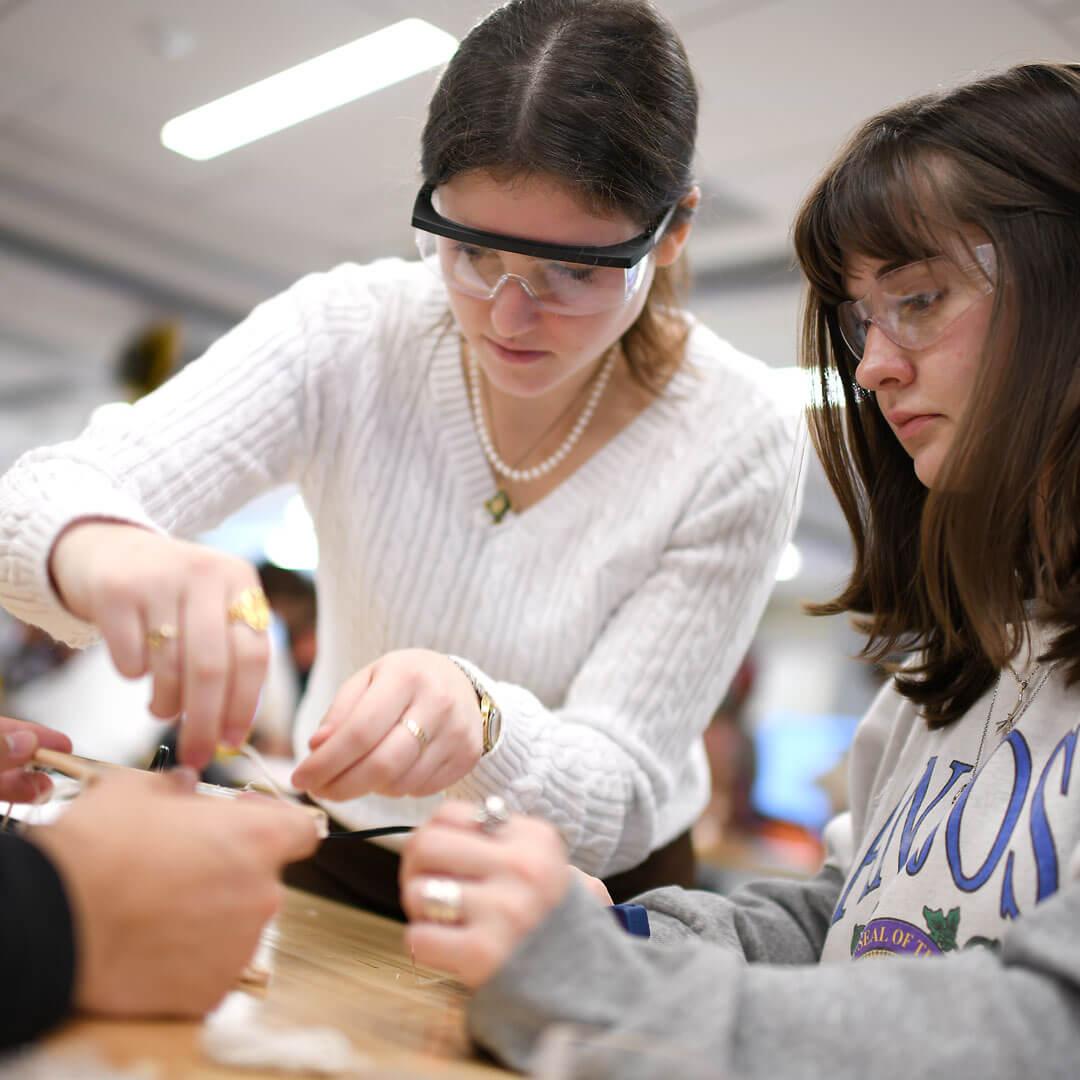
Design Your Future
Explore and advance your knowledge in Computer Science, Mathematics, Statistics, Data Science, Physics, and Engineering. Our academic programs help guide you on your journey to solving the world’s—and our community’s—most pressing challenges.
Undergraduate programs
academics
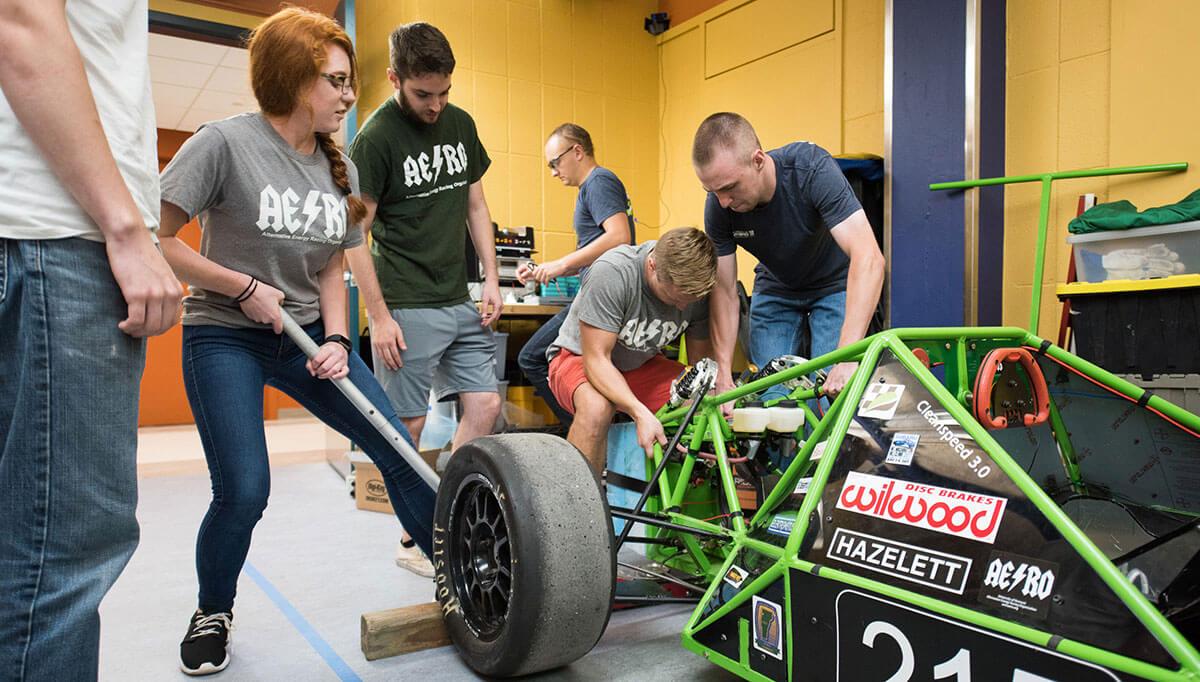
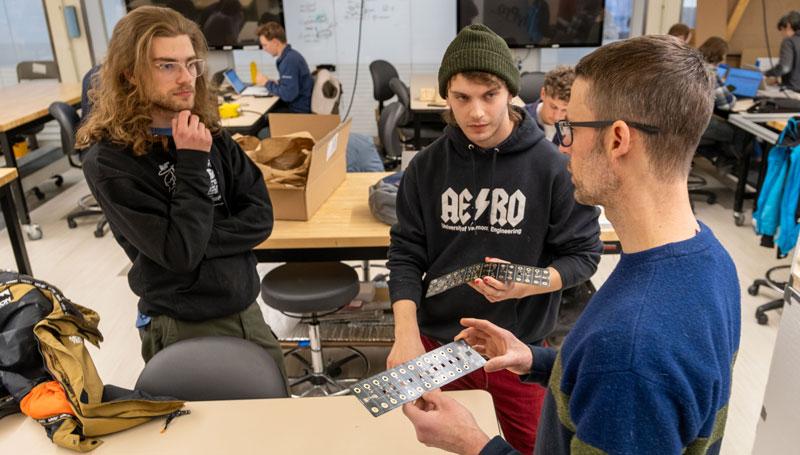
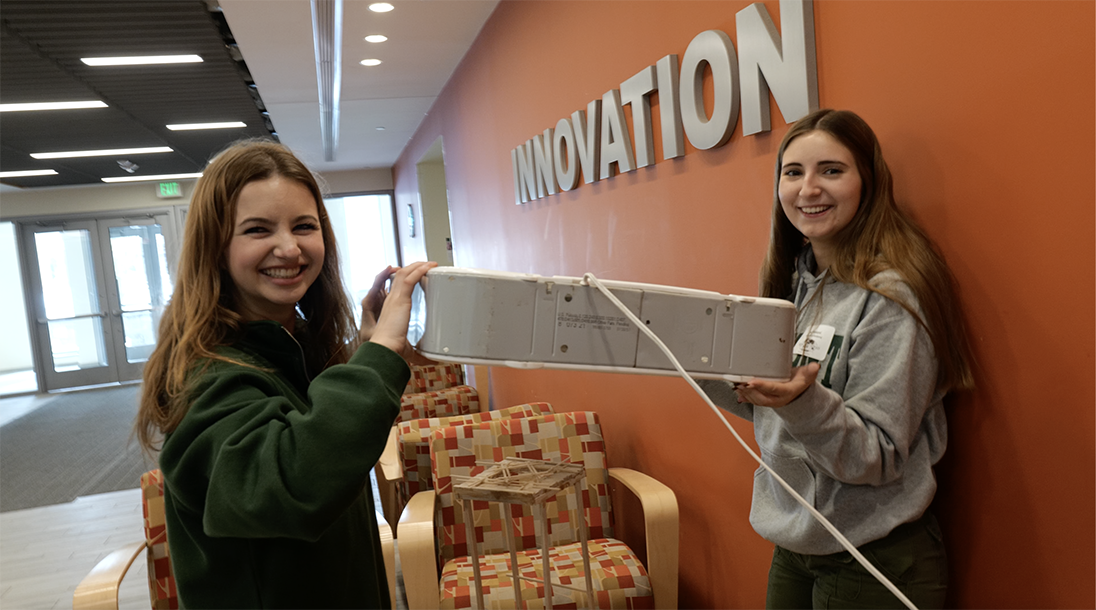
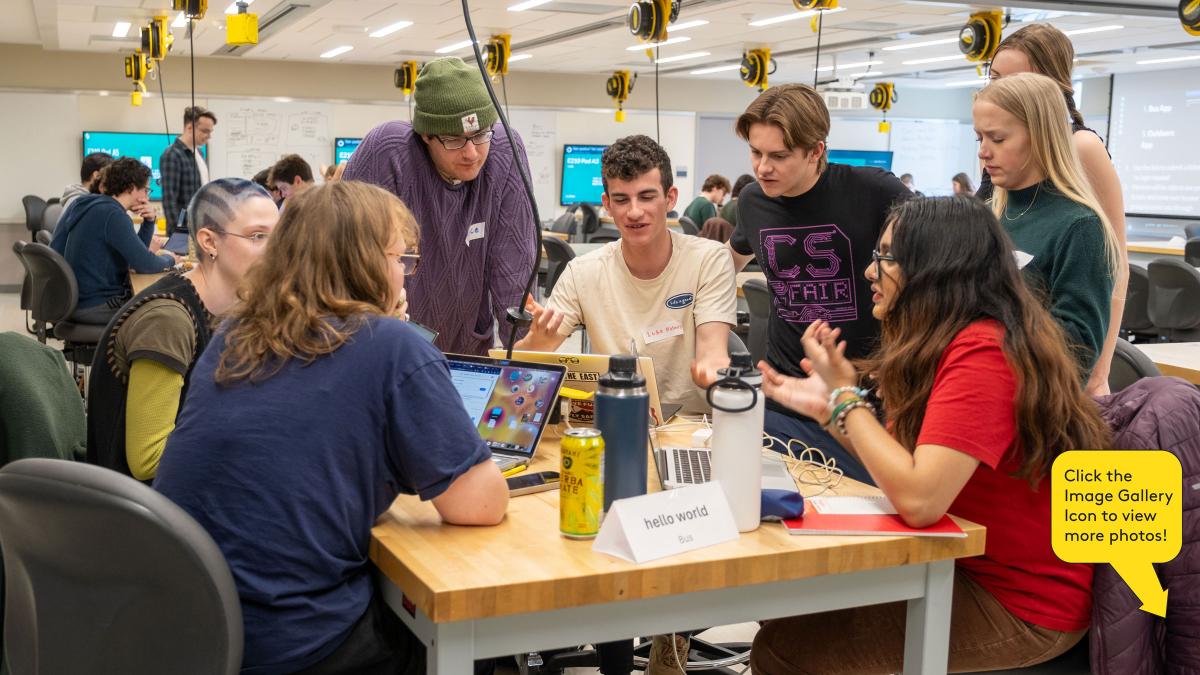
A hands-on, team-based approach
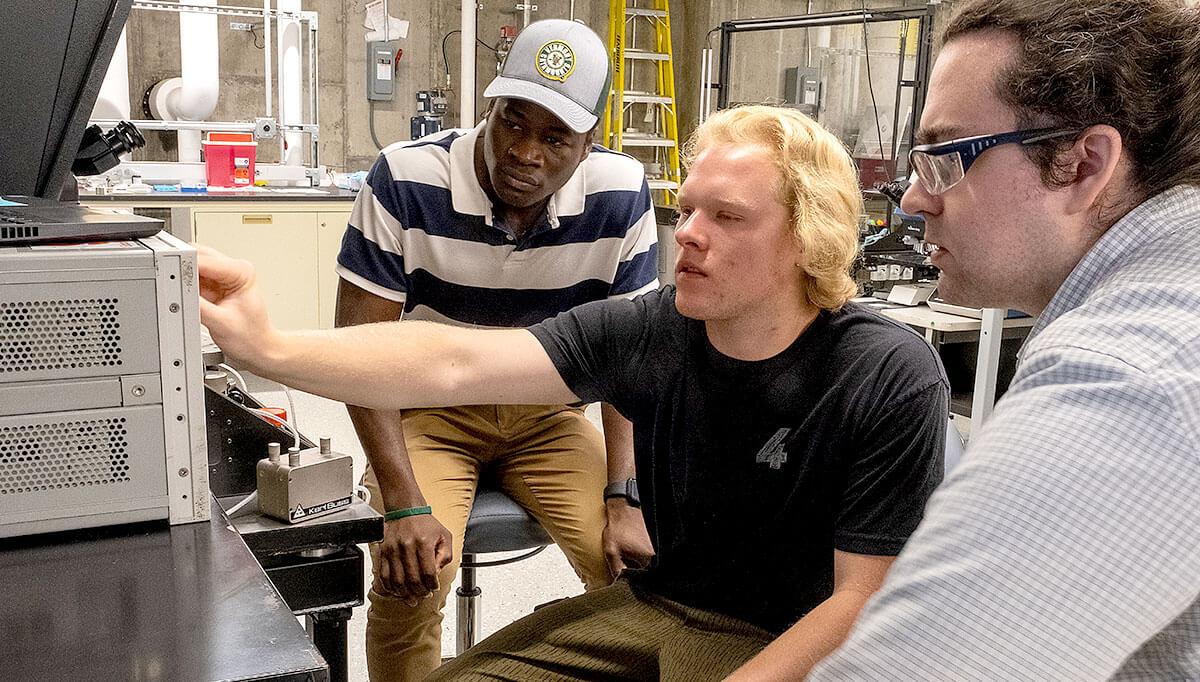
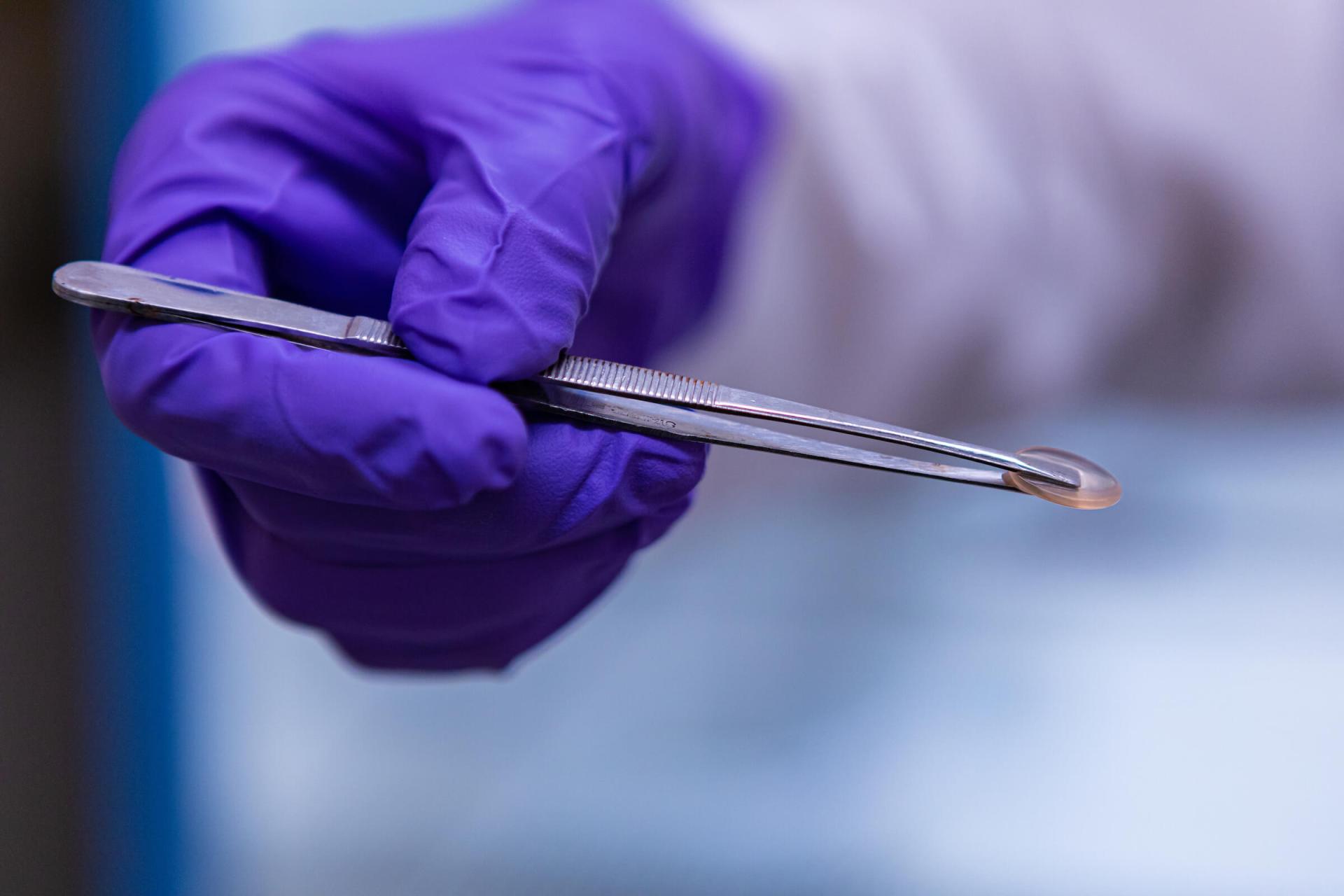
Cutting edge research
Proximity to the UVM Medical Center facilitates collaboration between students and faculty on cross-disciplinary projects, like developing biomaterials capable of healing punctured lungs and treating cancer, and advancing sensor technology to improve outcomes for joint replacement patients.
Research highlights
By the numbers
- 15 accelerated master's programs in STEM-related fields
- 8 petaflops supercomputer
- Top 10 "Most Innovative Tech Hub" - Forbes
In the news
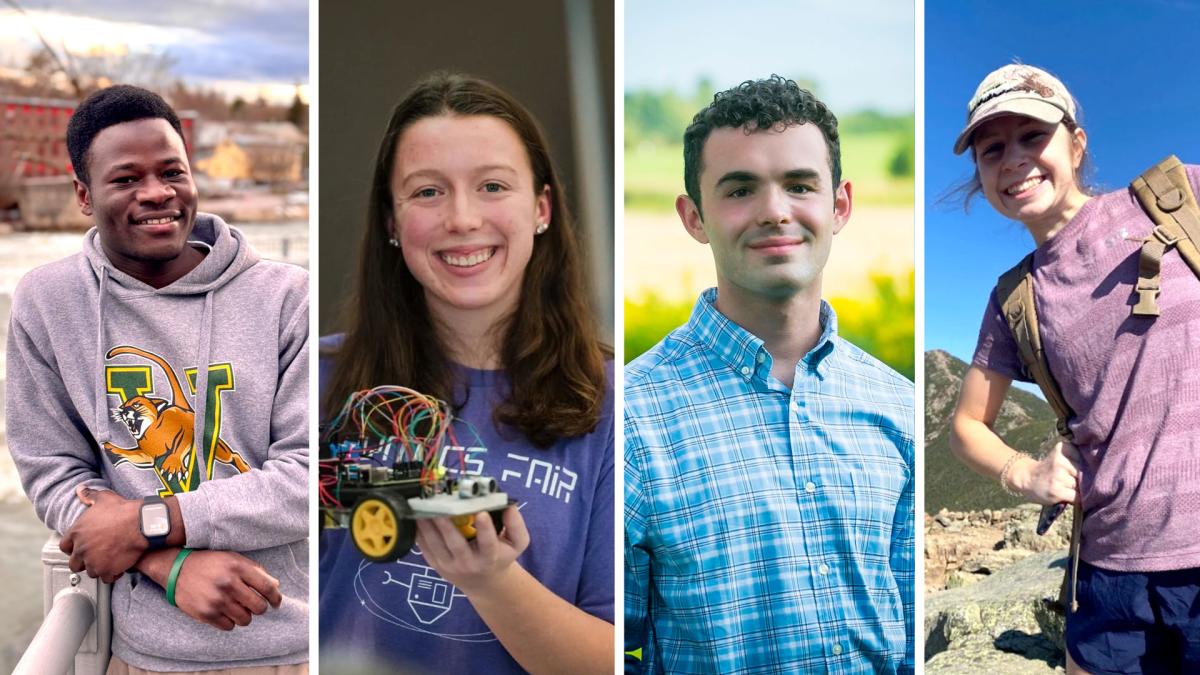
Senior Reflections
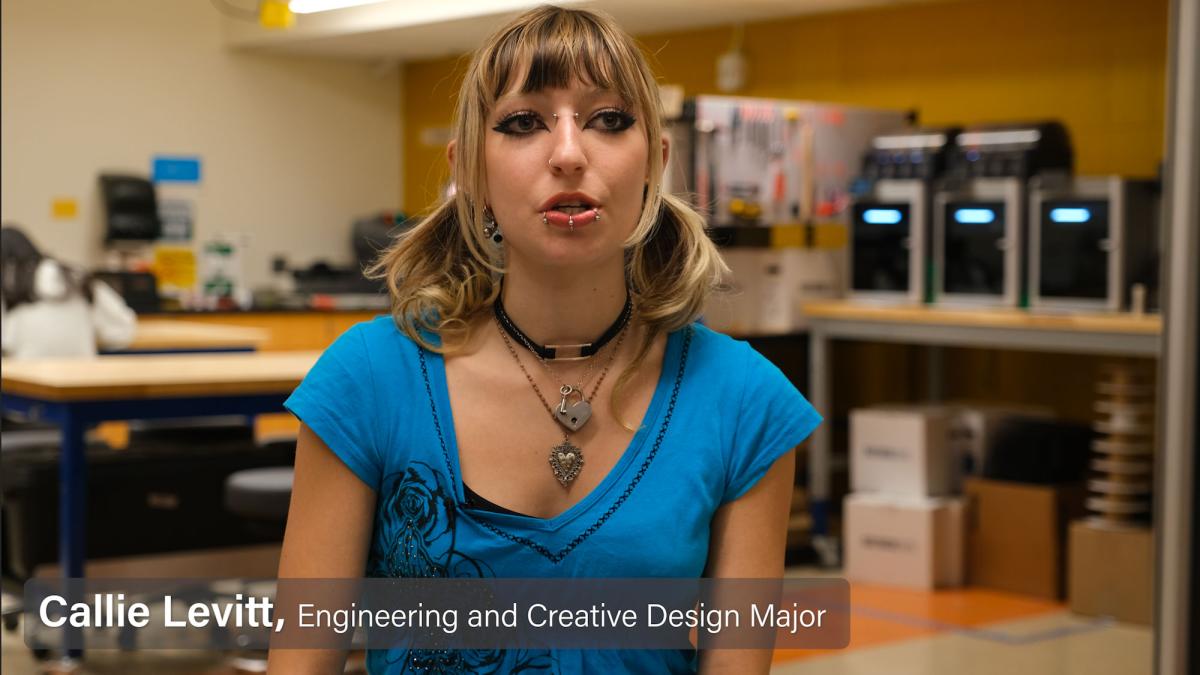
Quick Links by Audience